JPG without export ICC profile

I am exporting JPG files and the resulting files does not have the icc profile embedded. In the export i have choosen sRGB IEC61966-2.1 in the basic panel. But no sucess.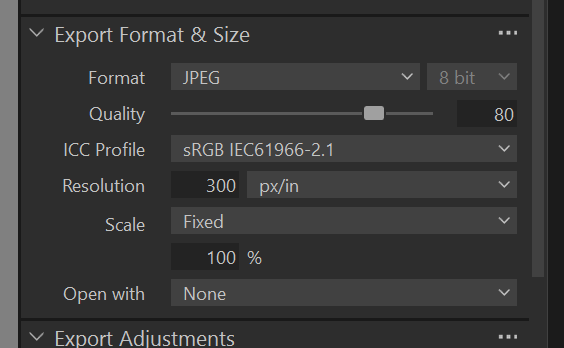
-

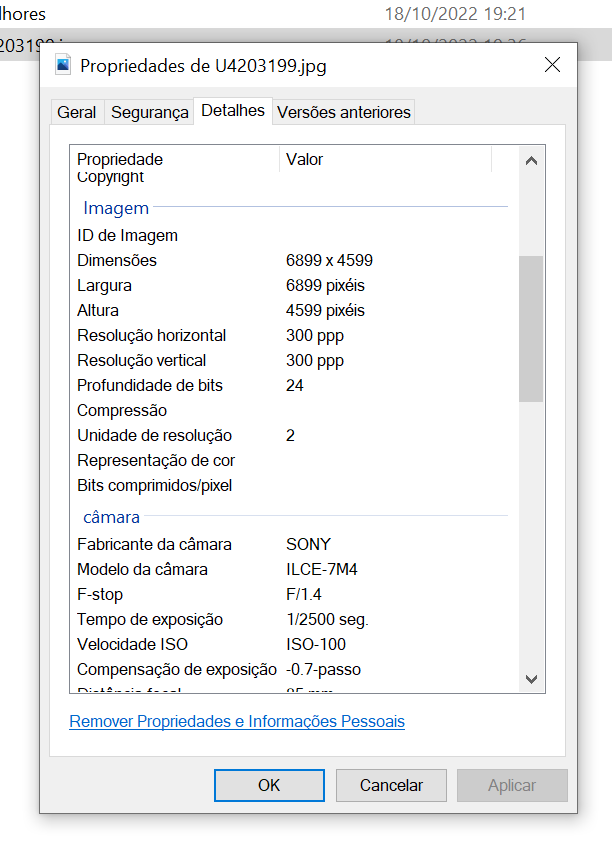
The details tab of the Windows file properties does not display ICC colour profile information.
To see this information, you can use an image viewer like XnViewMP or Irfanview.
An example from the first: 0
0 -
So using irfanview.
Image exported with C1:
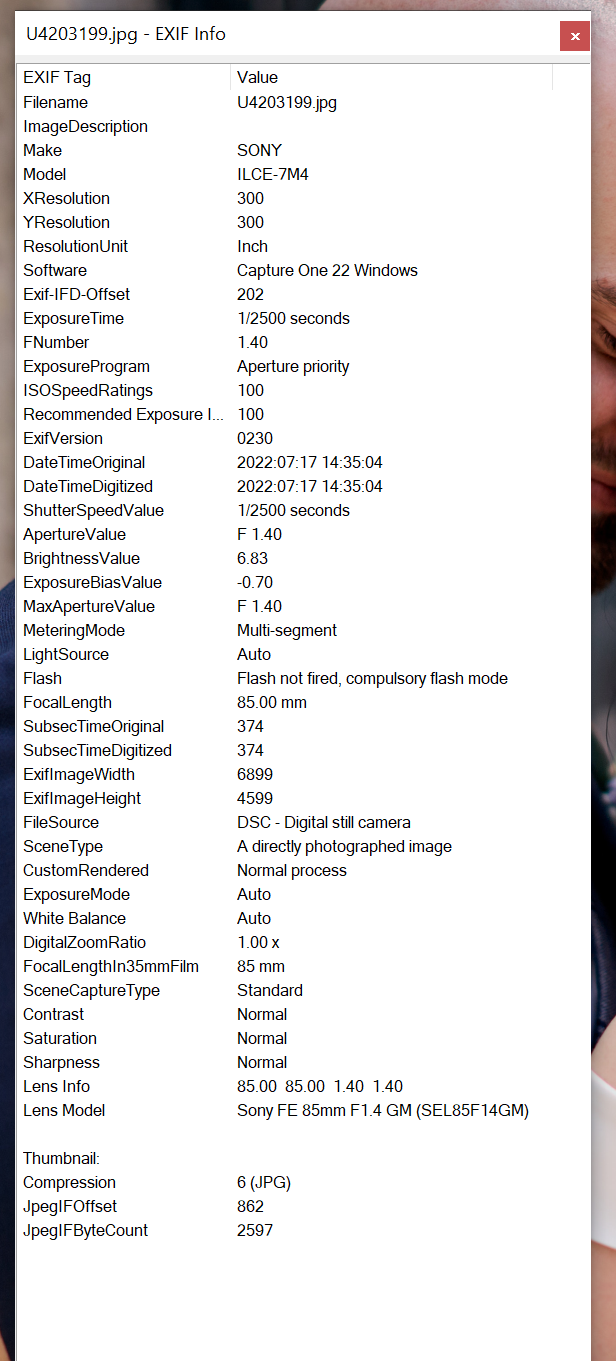
No color info.
Photoshop saved: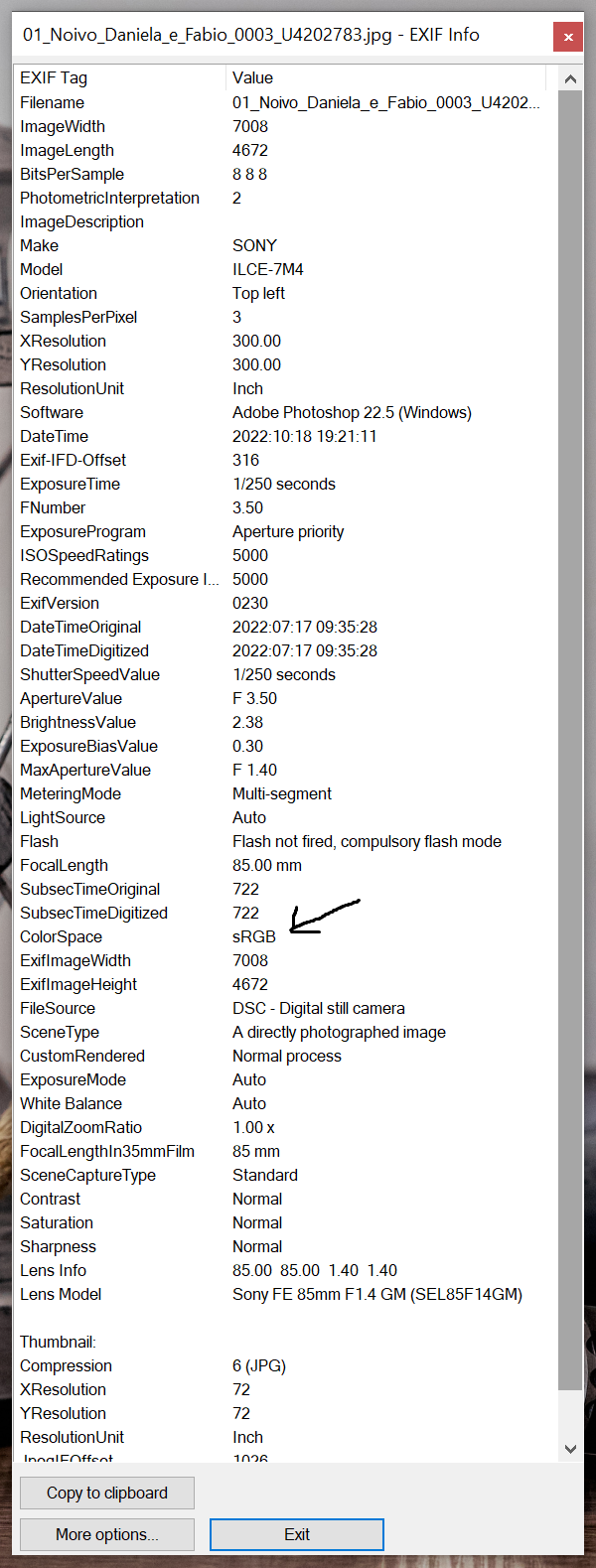
In this case it show colorspace.
in my case no colorspace on exported jpg by Captureone.
0 -

It does for sRGB jpegs:
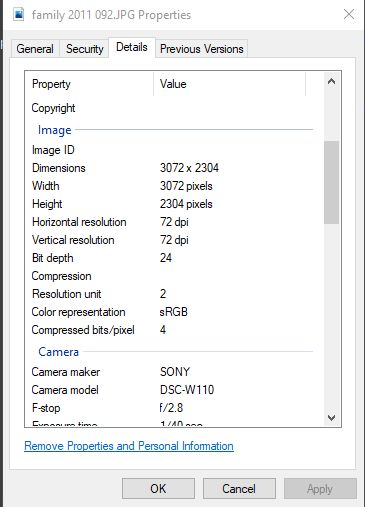 0
0 -
Oh, so the problem is C1 does not write an EXIF label indicating the colour space?
That's not the same as not attaching an ICC colour profile at all.
You can view the colour profile info with apps like XnViewMP or ExifTool (included in the former).The same happens for AdobeRGB, example with on the left the profile info and on the right Windows details tab:
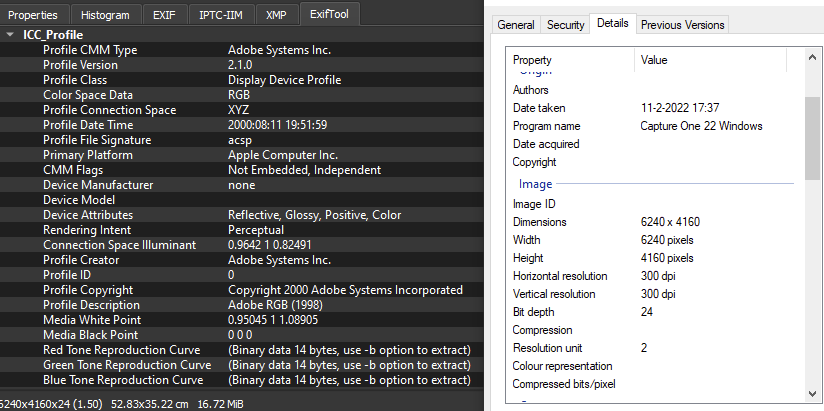 0
0 -

I confirm the same issue with ICC profile missing when viewing the properties on Windows. Indeed, the previously mentioned viewing tools does help.
0
Post is closed for comments.
Comments
5 comments