Just preupgraded to 23, and now Capture One won't start at all on Ventura. Now what?

I just preupgraded to Capture One Pro 23, and got a new license key for that.
Reportedly, my previous license key has been expired.
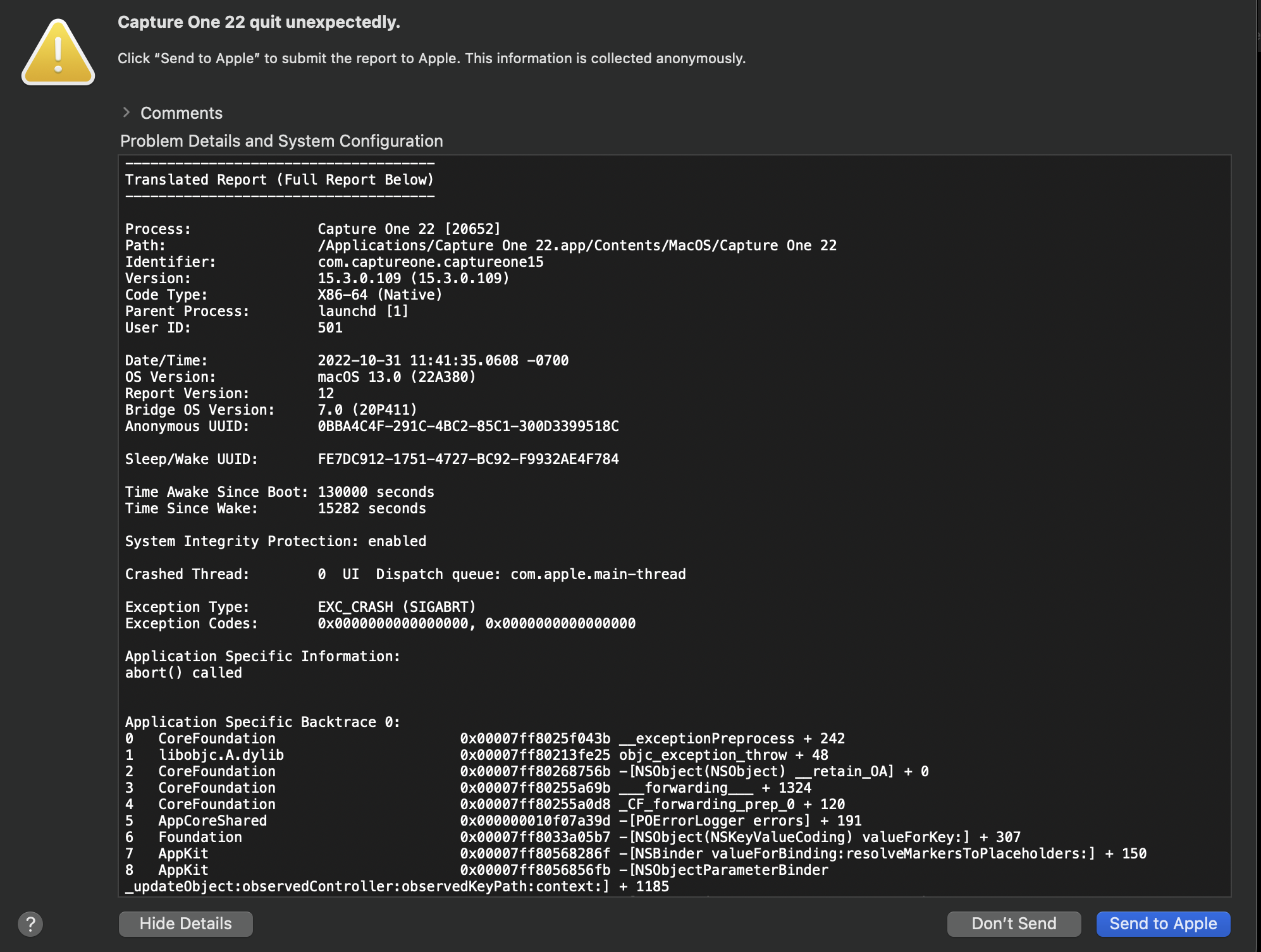
Now Capture One won't start at all on my 2020 iMac 27" with retina screen running Ventura 13.0, so I have no way to either enter the new license key or run the product.
Is there a version of Capture One Pro known to run on Ventura, and if so, how do I download it?
-
 0
0 -
I did send the report to Apple.
I don't recall running Capture One since upgrading to Ventura, so the problem could either be incompatibility with Ventura or whatever was done to disable my previous license key when I upgraded this morning.
0 -
Update: I was able to download a new free trial version of Capture One, and that runs. It even finds my prior data. But when I go to add in my new license key, it says I already have a perpetual one, and it's one I don't have anywhere in my records of the license keys I've ever had for Capture One. Is that the key for the trial version? If so, should I leave it alone or try to replace it with the one sent me when I pre-upgraded to 23 this morning?
0 -
 Permanently deleted user
Capture One 23 isn't relevant here - it's a pre-upgrade of a yet-to-be-released version of the software.
A search of the forum would return multiple posts about Ventura, and the solution to your problem - upgrade to the latest Capture One 22, which is effectively what you've done.
You'll find your licences by logging on to your account on Captureone.com.
0
Post is closed for comments.
Comments
4 comments