Backup AND RESTORE personalized settings

I use C1 v 22 (build 15.4.1, perpetual license) in Windows 10 (64). In C1 I work with individual sessions, which ultimately I migrate to a central catalog with data files located on a remote hard drive.
My set-up: I run C1 on a laptop, and I have everything backed up identically (meaning the software with all updates and settings, as well as the data files) on a second laptop and a second remote hard drive. C1 is therefore installed identically on both machines, along with external add-ons like Paul Reiffer's Elevation styles.
Keeping data files (the master catalog as well as the individual sessions) backed up is pretty straightforward copy-and-replace of specific folders, and up to now I have not tried to personalize the C1 interface itself. After experimenting with a personalized workspace and a few shortcuts, which do not transfer to computer #2 with the catalog and/or sessions when I back them up, I assume those are all saved somewhere else. Are they somewhere in the C1 folder on c:\windows\program Files\Capture One\Capture One 22? This, however, is the main program (as opposed to data) repository with lots of mysteriously named sub-folders, and messing with this stuff without guidance makes me nervous.
Two questions (assuming I am right about where these details are saved): (1) Which specific sub-folders do I want to save as backups for these settings (or do I just copy the whole C1 22 folder, which for me is about 1.2 GB)? And (2) once I have the specific sub-folders (or the whole C1 22 folder) backed up, to restore it to either of my computers do I simply delete and replace those exact same items on my second laptop? Will doing that mess up any system settings particular to the second laptop?
-
 styles and workspace saved here:"c:\Users\xxxx\AppData\Local\"copy the folder to your protable disk.0
 -
Bo,
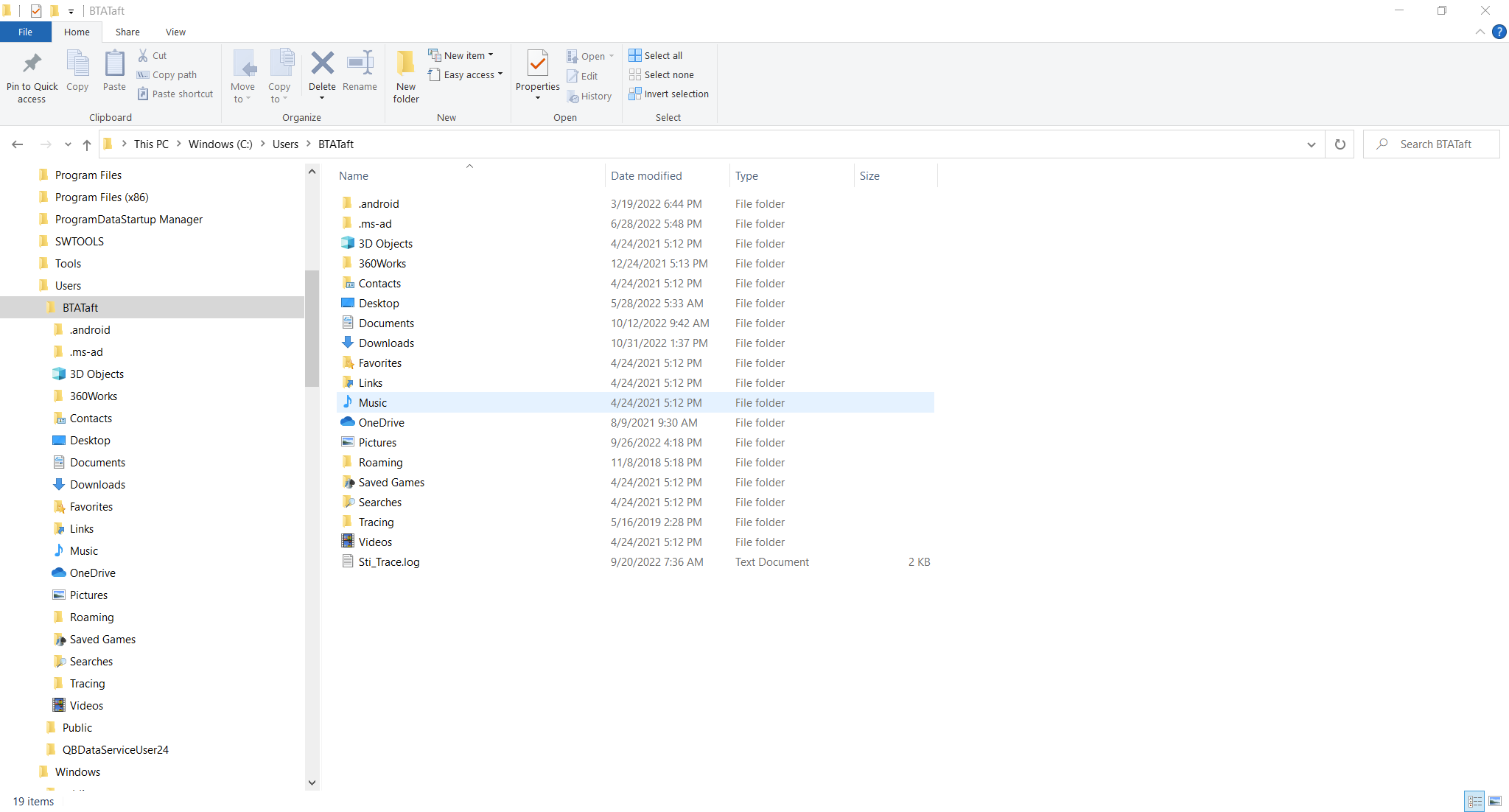
I don't have any such directory. Under c:\users\XXX, below is a screen shot. Absolutely nothing about C1 there either. Note this is just a vanilla factory install of Windows 10-64. No customization by me.
 0
0 -
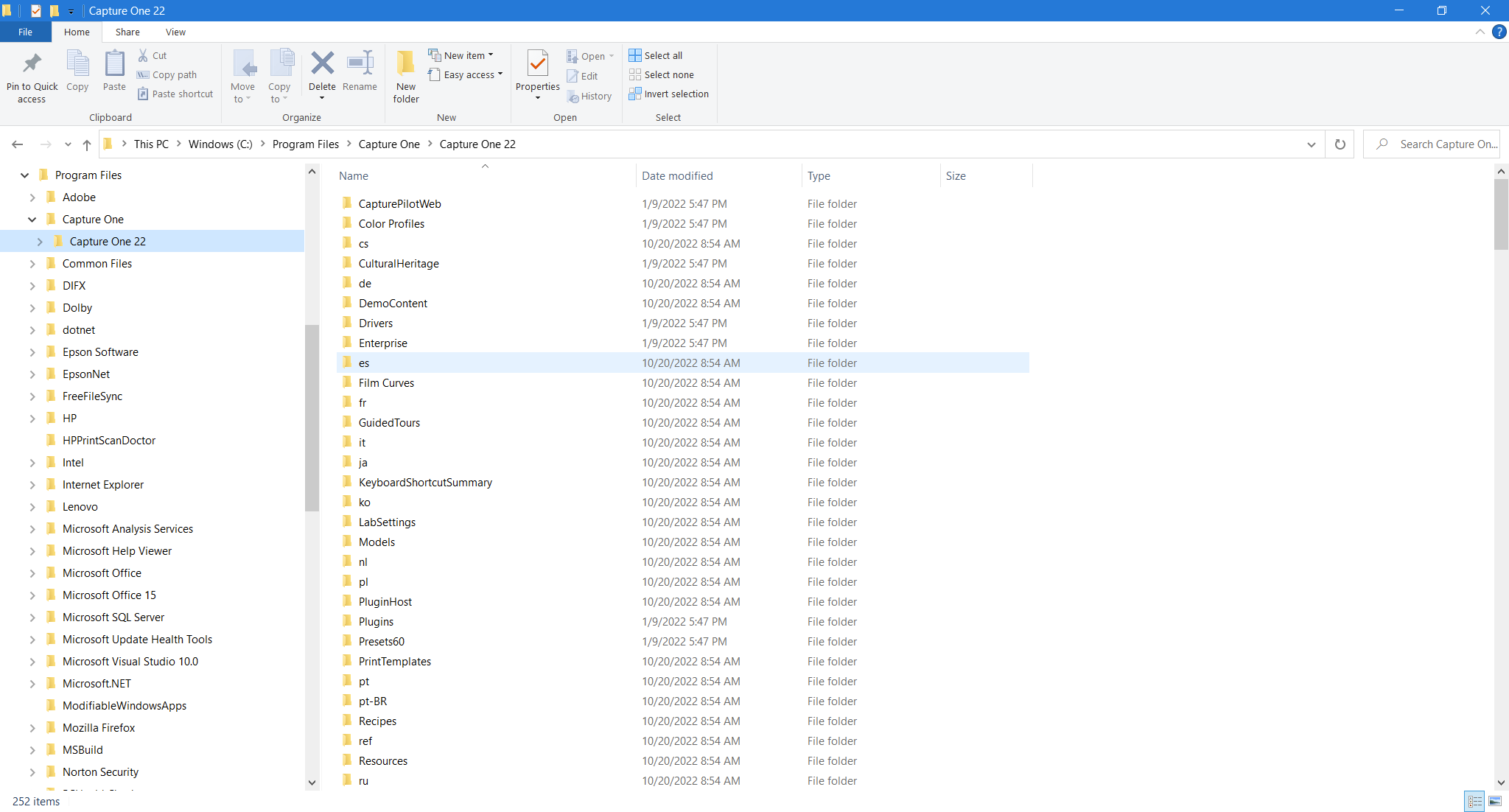
Where I find the specific C1 install of the program is c:\program files\Capture One\Capture One 22. That directory looks like this, and here I don't see any directory like you mentioned. Again, a straight vanilla install with subsequent upgrades of C1.
 0
0 -
On a Mac, settings like this are in the Application Support folder within the Library. The Library is hidden by default, though there are easy enough ways to get to see it if you want - it is just designed like that by Apple to help us avoid accidentally altering something we shouldn't.
So I wonder whether on Windows the AppData folder is also hidden by default. Does it become visible if you choose to show hidden files and folders?
Ian
0 -
Type in the search field below: %appdata%, then you will see the hidden folder.
0 -
Thanks to Heinz. With your tip I did find the folder.
Thanks to SFA for comments and cautionary notes. I think I will only play with folders that specifically mention Capture One....I think there are two or three of them. My intention will be to backup and restore to machine #2 all the sessions and catalog in their latest form, and at the same time backup the few C1 folders and restore them to machine 2...so they should be the latest sessions and catalog paired with the latest settings.
Folders like this appdata folder make me very nervous in general because they contain things I know nothing about, and I could see unintentionally causing lots of problems for other programs quite easily. Capture One should provide an easier way to do backups like this given that they emphasize repeatedly how easy it is to customize the workspace.
Thanks to all for your comments.
0

Post is closed for comments.
Comments
6 comments