Corrupt Fujifilm files...

Can anyone tell me what I'm doing wrong that this is happening with my camera files, both from XH2 & X-T5? The files transferred perfectly via the wireless function to iPhone (ie. no Capture One involved). Initially I uploaded from SD card with C22 on Macbook Pro (Big Sur) but then 'updated' to C23 with no improvement...
I have a shoot tomorrow. Somewhat concerned...
Thanks in advance for any solutions.
Evan
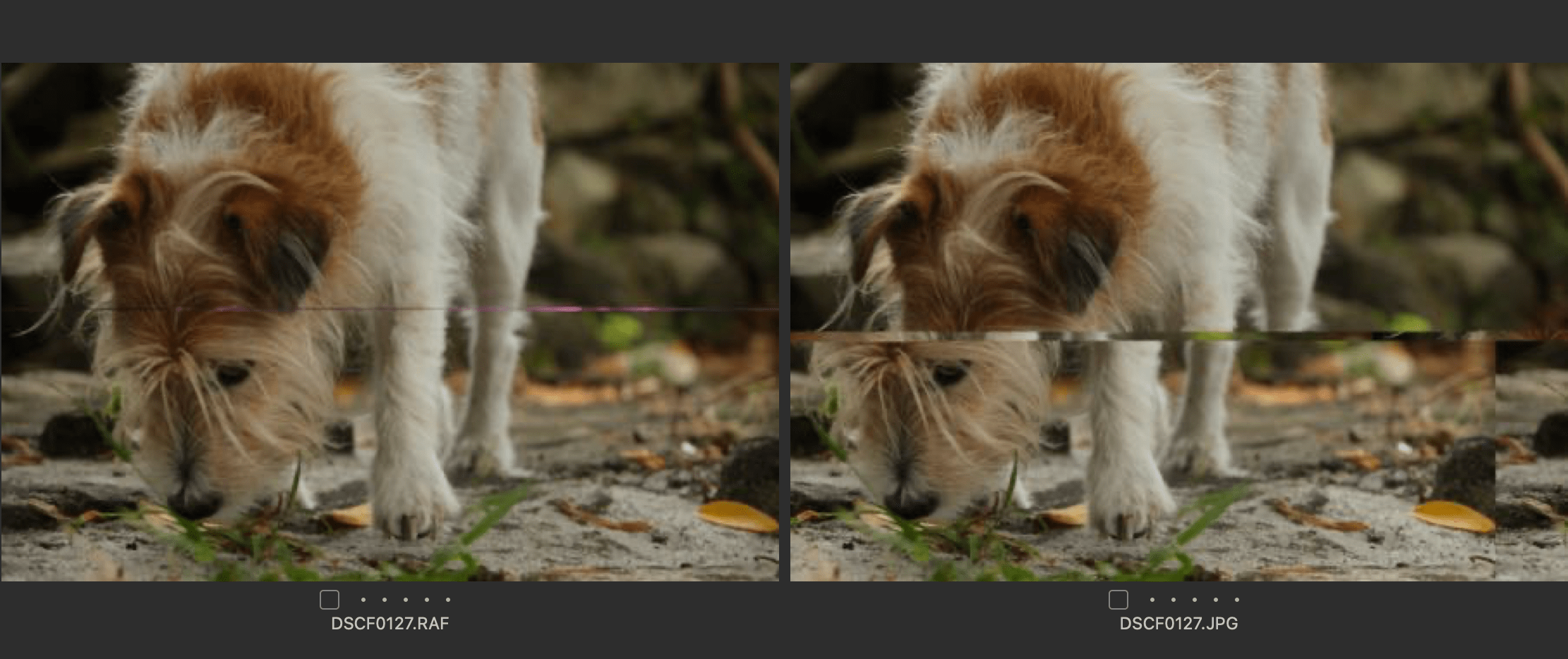




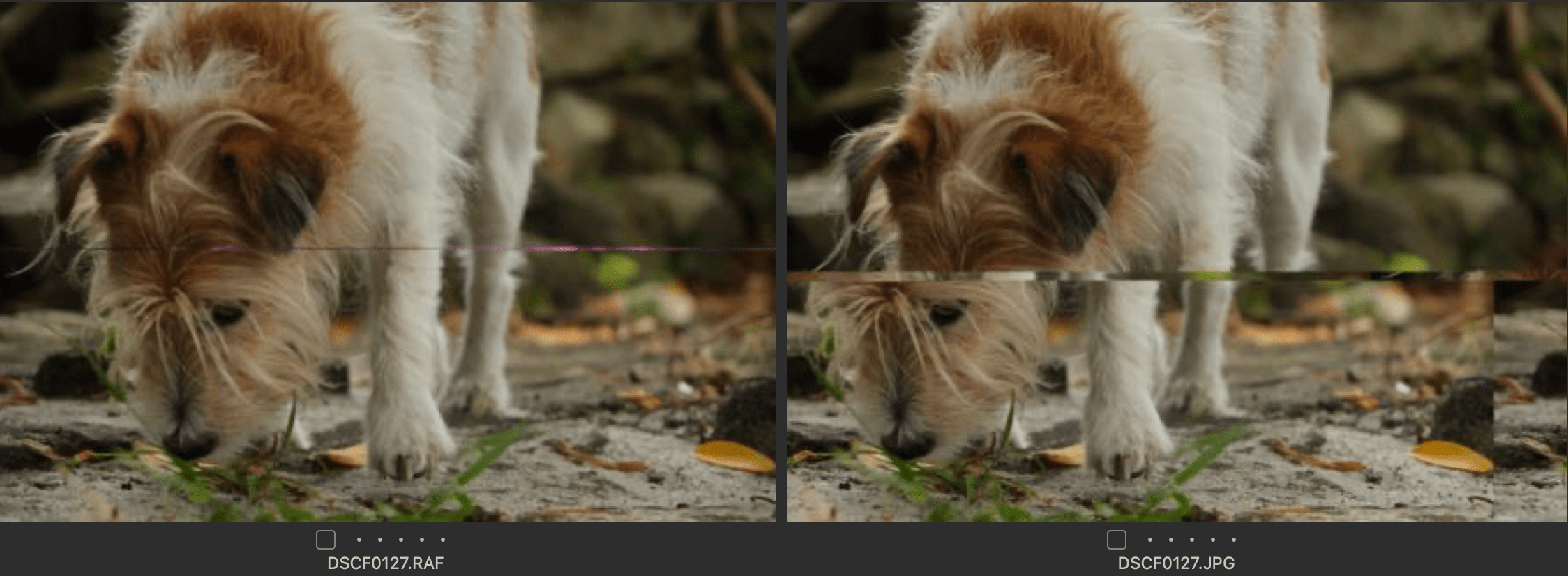
-
A thing worth trying is turning off hardware acceleration in Capture One preferences. It's on the General tab of Preferences. Change both of these to Never, as shown.

It may not be anything to do with it, but often it is the cause of strange looking images, and it is quick and easy to test it.
Ian
0 -
Thanks Ian,
It didn't correct the images I'd already transferred but I'll try it on a new transfer.
I appreciate your help.
Evan
0 -
Another thing I suppose you could try is whether if you transfer the images to the computer (without involving Capture One) they look OK in Finder. You might be able to narrow down where the problem is by seeing whether they are somehow getting mangled at the stage of transferring to the computer or at the stage of getting them into Capture One. And have you tried a different card, and/or a different card reader?
Ian
0 -
Thanks Ian,
I'll try that. I just need to find something to see the .RAF files on a Mac that doesn't cost the earth...
Appreciated
Evan
0 -
Can't finder show them?
Ian
0 -
No, The RAF are not visible. Jpegs only. I'm looking for something - Bridge, Darktable, Fuji software - nothing working...
0 -
Okay, so I got Bridge to load the images (most of them - some jpegs don't show). The issue is still there which suggests it's not a Capture issue... I'm going to convert them to DNG (suggested online) and see if that solves things.
0 -
Yes, I agree that it doesn't seem to be a Capture One issue. Maybe a problem with the memory card, or the card reader? Do the images look OK on the back of the camera? Can you borrow another card reader or something? As they transfer to the iPhone without a problem, I'm inclined to suspect the reader.
Ian
0 -
Yes, it looks that way, I'll get another reader tomorrow (almost midnight here) and see it that sorts it. Thanks Ian, appreciate your input immensely...
0 -
Hi Ian, I'm happy to report that the card reader was indeed the issue. I really appreciate your help, thank you.
0

Post is closed for comments.
Comments
10 comments