Awful Skintone Rolloff

Hi,
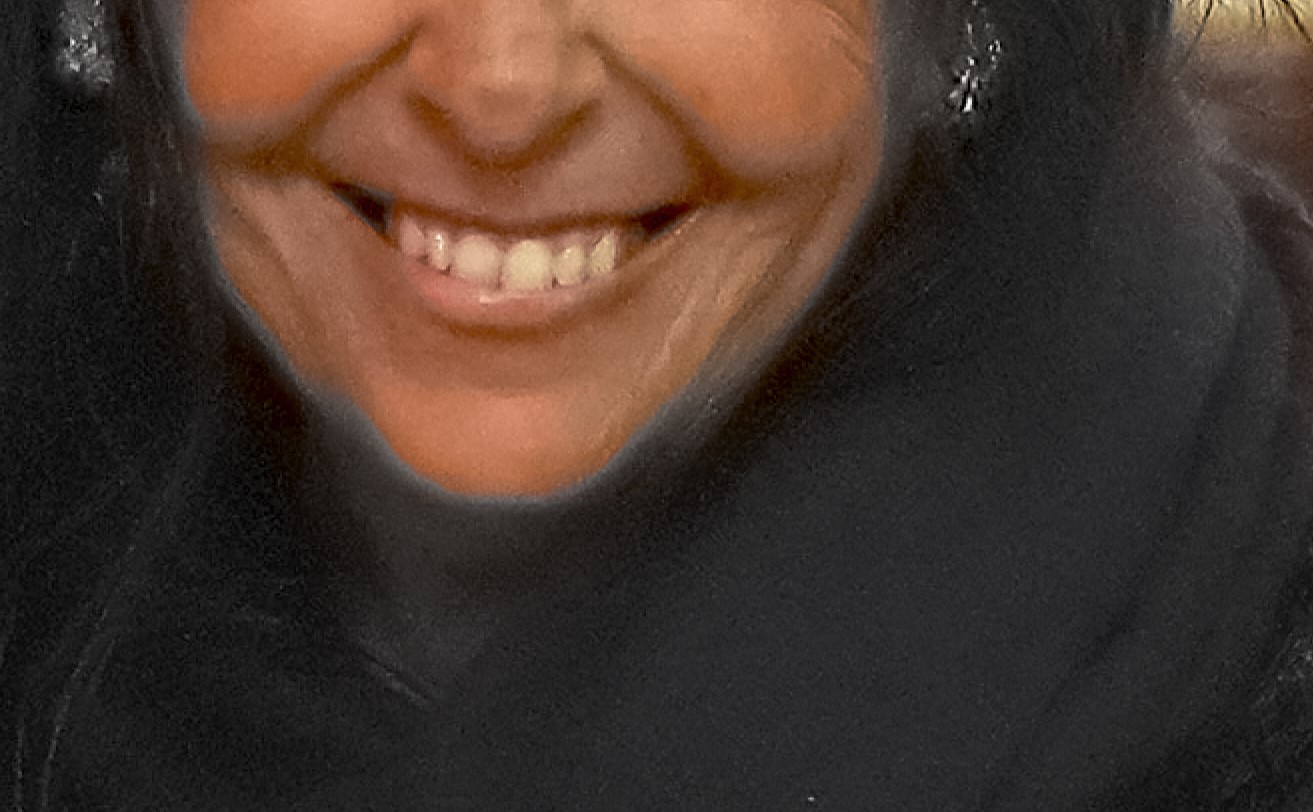
Processing raw event photos shot on a Sony A7iv in Capture One 23 (PC) and the skintones have absolutely horrible transitions between the dark and light parts. I checked the raws in Da Vinci Resolve and this a post-processing issue...but I can't figure out what.
I played with the ICC profile, the curves and still get these unusable tones..
Could someone please tell me if this is a bug or a feature?
Thanks!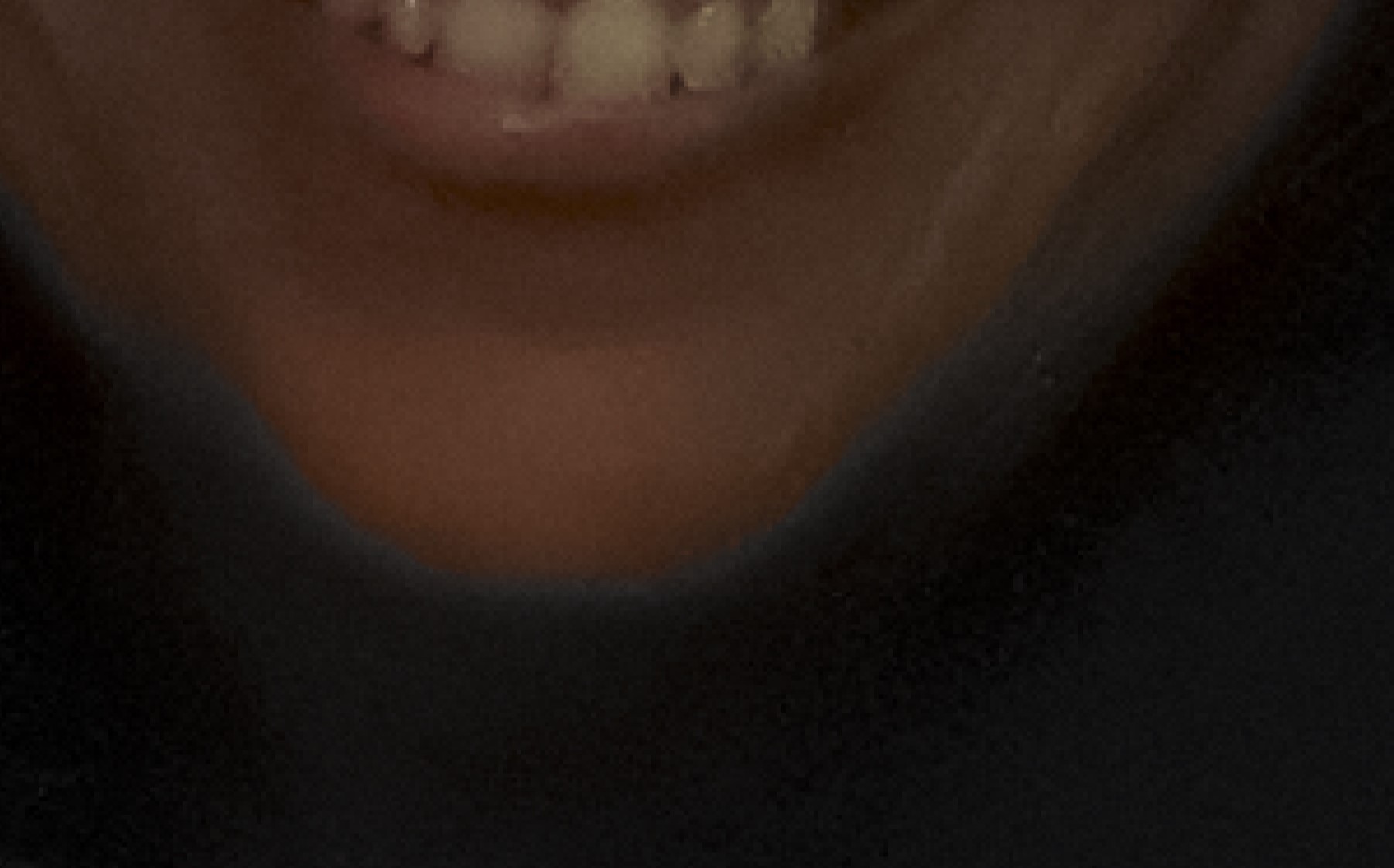
-
In the first, no processing whatsoever, in the second auto enhance...
0 -
Imported into Catalogue....
I tried it again on a Mac with both Capture One 22 and 23...same situation...
No adjustments that I see...
0 -
Did you pick a warm color in Advanced Color Editor or Skin Tone Editor and the checkbox "View selected color range" is checked?
0 -
I tried to fix it with the color editor. And skin tone editor...but no...it wasn't activated at the beginning :/
0 -
I didn't think Davinci Resolve can edit raw files?
Have you tried a different editor? Or, use Sony's Imaging Edge Desktop.
Are you able to upload the raw file?
0

Post is closed for comments.
Comments
5 comments