"The current variant selection does not contain any picked variants" – ?

When attempting to synchronize metadata for a specific variant, I get this error message:
"The current variant selection does not contain any picked variants. Only picked variants can be synchronized."
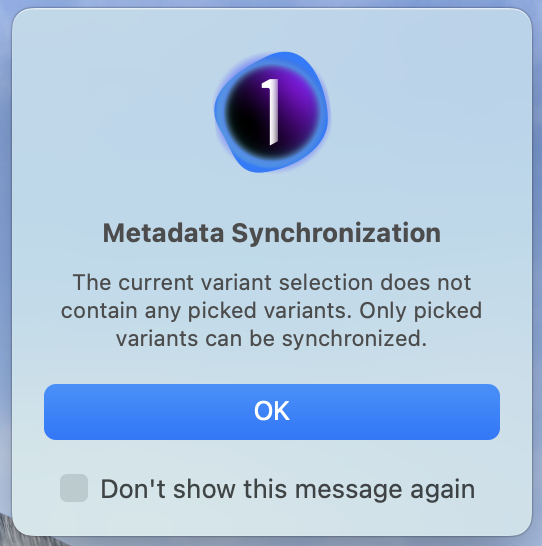
I've searched for the error description but haven't been able to find any explanation. Does anyone know what, exactly, this means?
-
There is only one xmp file and in that xmp file there is metadata for exactly one variant (or even file type). The C1 implemenation seems to be that the first variant needs to be selected if loading or synchronizing metadata from/to that xmp file.
I guess that is trying to make the user aware what is happening behind the scenes (though one can have doubts that this is achieved).
So, pick your first variant(s) ("picked" variant(s)) and try again.
1 -
Thanks for your help!
I noticed that syncing worked as expected with all variants selected, and wondered whether metadata for all variants would be included in the same xmp file. Apparently not.
I assume then that syncing variant metadata to other applications isn't possible.
0 -
I assume then that syncing variant metadata to other applications isn't possible.
Well, there is no other application which understands variants, i.e. multiple incarnations of the same raw file. Unless there is one file per variant, e.g. a jpg or tiff, in which case the metadata is embedded by C1 on export. So, for example, you can can have one raw file (image.raw) and a color and a B&W jpg (image-01.jpg and image-02.jpg, if using the variant position token on export, each having its own metadata e.g. a keyword "color" and "B&W", the raw file having its xmp sidecar and the jpgs having its metaddata embedded, the xmp file equaling the image-01.jpg metadata. Just an example of course.
0 -
Peakto shows variants, but at present synchronization of metadata appears to be limited to primary variants.
As they've only just made it possible to synchronize metadata from Capture One, they may still find a way of making it work with variants too. The application seems very much to be a work in progress, but a very promising one.
0 -
Ah, so they take the effort to tailer an interface and functionality for C1, that's good to hear.
The only way for them to distinguish metadata from different variants is to use the .cos files (or read from a C1 catalog database) but not the xmp files.
0 -
As I understand (though I'm not 100% sure), Peakto takes metadata from the catalogue when it's imported initially, but when subsequently synchronizing it reads from xmp files.
It looks like .cos files are specific to sessions. For catalogues, I take it it would be necessary to use the catalogue database as the basis for synchronization.
0 -
If they read from xmp files after initial import then subsequent synchronizing efforts won't cover variants (correctly).
Yes, .cos files are created and used by sessions only (can be read by catalogs though, on import), unless my catalog-sync-to-cos files request would be implemented.
0

Post is closed for comments.
Comments
7 comments