Unscharfe Detaildarstellung weil Bilddaten nicht nachgeladen werden, bei Katalog und Sammlung

Welches Problem sehen Sie darin?
Bilder können nicht bearbeitet werden
Wann waren Sie das letzte Mal von diesem Mangel an Funktionalität oder einem bestimmten Tool betroffen?
Nein
Verwenden Sie Problemumgehungen oder andere Lösungen, um Ihre Ziele in Capture One zu erreichen?
Auf diese Weise haben wir ein besseres Verständnis dafür, wie sich dies auf Ihren Workflow auswirkt und wie wir die vorhandenen Tools und Funktionen verbessern können.
Sind Sie gerne über diese Anregung oder Anfrage informiert?
Teilen Sie uns dies mit einem einfachen "Ja" oder "Nein" mit – wir werden Sie mit der E-Mail-Adresse kontaktieren, die Sie in Ihrem Capture One-Profil verwendet haben.
-
Hi Wolfgang, if you want help here in the forum I think you need to provide a lot more information, catalog or session, when did you upgrade to v23 (just before that issue or a whileback), screenshots, whatever you may find appropriate to understand your issue when the reader does not sit in front of your computer and has no background information.
0 -
WIth the additional problem that most users here don't speak German and don't want to go the extra mile to use an online translator. Maybe do it yourself:
1 -
The issue occurred immediately when I upgraded to v23. Still using ASUS ZenBook UX534FT.304, Windows 11 Home 64-Bit 10.0.22621 with 2nd USB-Monitor ASUS MB16A.
0 -
My guess it that the images are "offline". Can you provide a screenshot of an example image, and from the library tool?
0 -
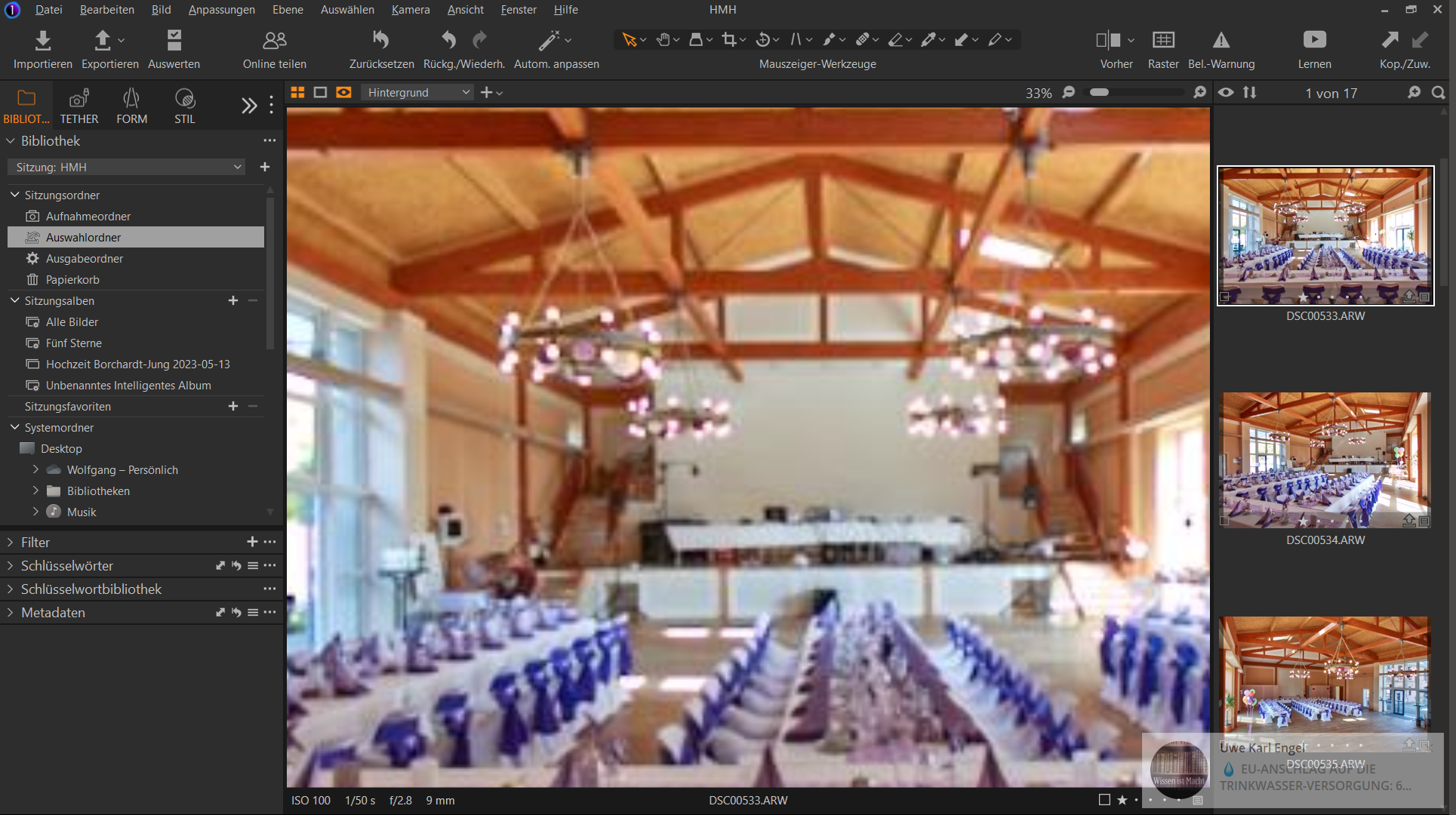 0
0 -
Seems the images are not "offline", I don't see a question mark icon. (And it is a session/SItzung where images cannot go "offline"). So it must be something else.
Are the images blurry in every zoom level?
How do they look if you export them?
Try to regenerate the image previews. Select the images and press F5 on the keyboard (or menu>Image>Regenerate previews)
0 -
Die Bilder sind in jeder Zoomstufe unscharf!
Nach dem Export hat das Bild die volle Auflösung.
F5 führt zu einer endlosen Hintergrundaktivität!
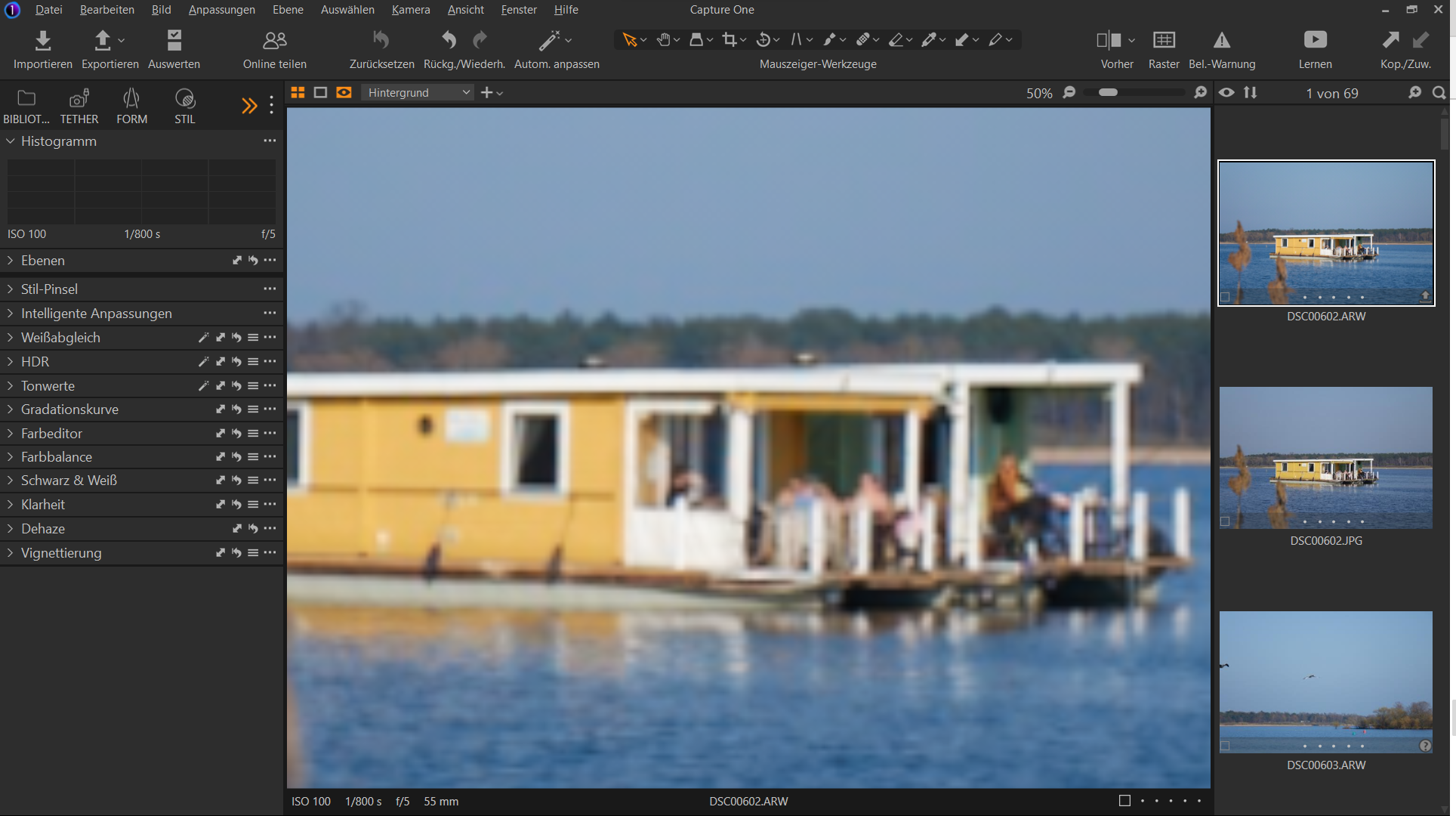
 0
0 -
F5 refreshes the previews, this can take while if you do it for all images. The question is, does it help to get rid of the blurred previews?
0 -
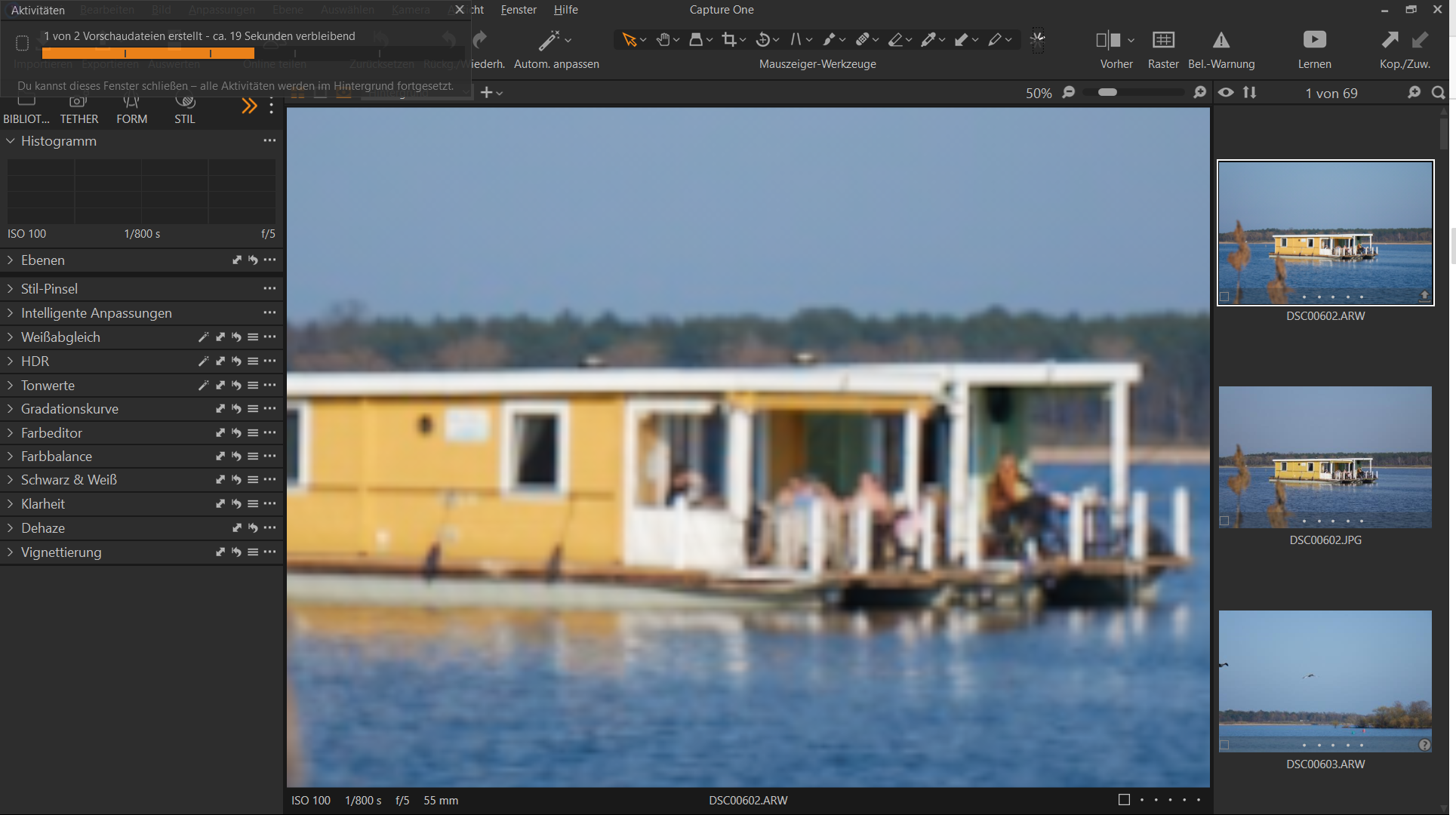 0
0 -
This background activity is working for longer than 1 hour for 2 pictures only!
0 -
0
-
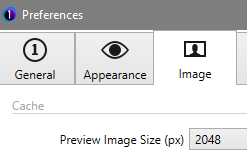
In preferences
> General
can you disable OpenCL? (change from Auto to Never)
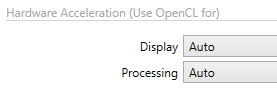
> Image
what is your preview size? And what resolution does your monitor have?
 0
0 -
Sometimes strange things can happen when using hardware acceleration (your graphics card), sometimes it is an old driver, so disabling OpenCL can help to identify this problem. See if it helps with the preview generation.
0 -
Thank You,
you caught the bug! Disabled OpenCL has worked out.0 -
You're welcome.
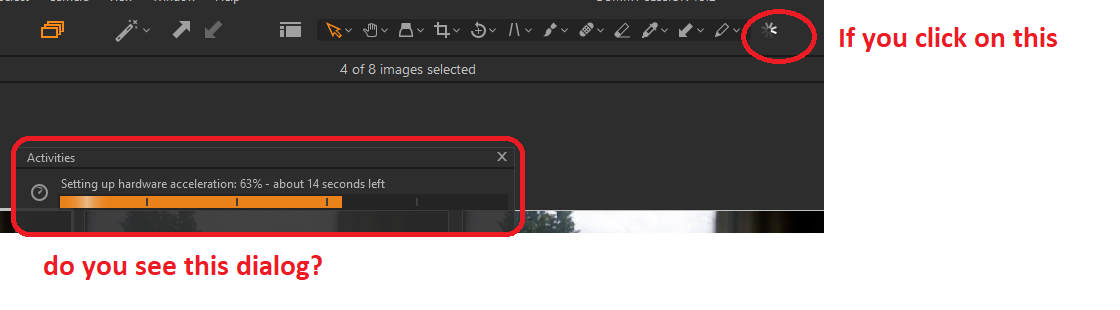
If you want to enable OpenCL again because the performance was better (which is not always the case depending on your machine) then here is a guide for troubleshooting:
0

La publicación no admite más comentarios.
Comentarios
15 comentarios