Printing with white borders

I try to print 10x15 cm (4x6 inch) pictures with a 3 mm Border on all sides in Capture on 20. After printing i get a 3 mm border on 3 sides and one with about 5 mm.
I enter the print dialog and select the 10x15 paper format. If check the cell width and hight Capture one offers me a printable area of max. 150,96 mm x 100,63 mm. 
But the paper format is 101,6 mm x 152,4 which calculates from 4x6 inches. This seems to be the issue of the additional 2 mm on the right side of the print.
i tried to add custom paper formats with the correct size in mm. I also tried to do everything in inch but capture one then offers me just 3,96 x 5,94 inch. Which results in the same behaviour just in inches...
if i print the picture with Epson Print Layout everything is perfectly fine. See the picture. Top one is capture one, bottom is the Epson software. 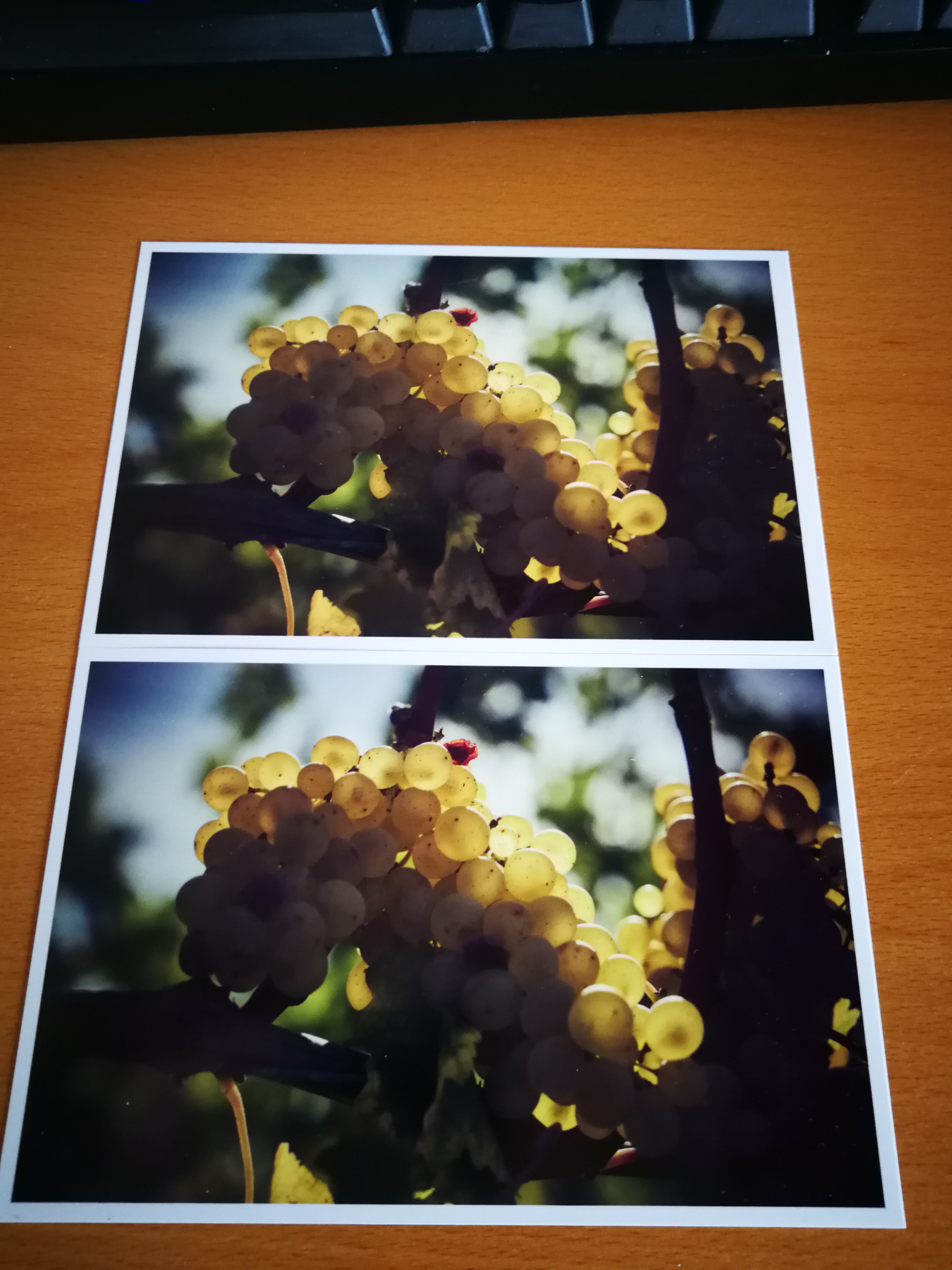
Does anyone can give me some hints to fix this issue and get a 3 mm border on all sides?
Best,
Bernd
-

I will not solve the problem, but let me know that others are also fighting this problem anyway. Best regards!
https://support.captureone.com/hc/en-us/community/posts/360011504237-White-stripe-on-the-printout-
0 -
Thank You i did not found this while searching the community.
I also made a support ticket. Maybe they will fix it faster if more people will report it :)0 -
I also hope.
0 -

Any update?
I did not here anything back since a while.
0
投稿コメントは受け付けていません。
コメント
4件のコメント