
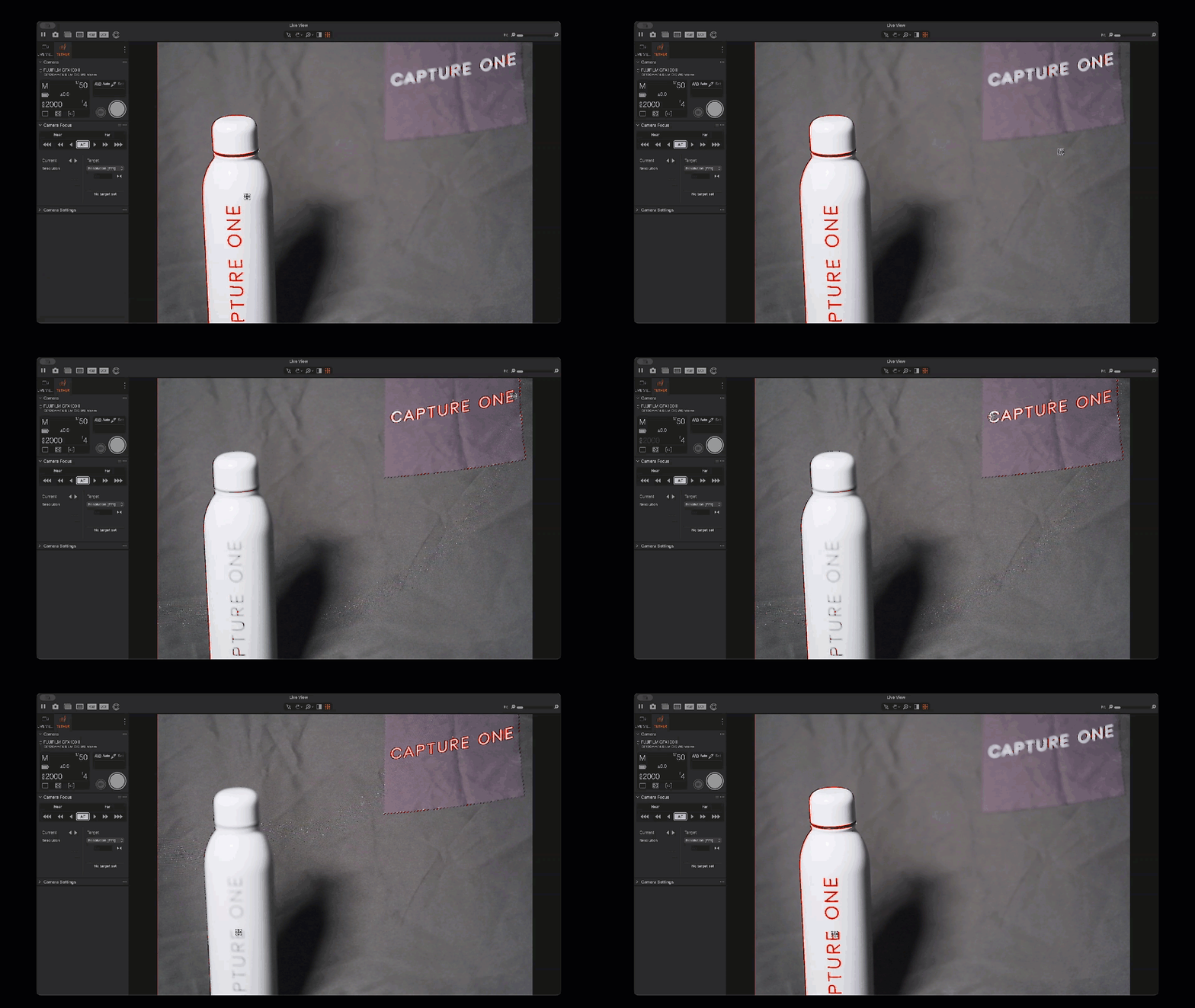
The Focus Cursor Tool gives you fast, precise control over focus when tethering supported Fujifilm cameras to Capture One. When you open Live View, you can click anywhere on the image to shift focus to that exact point. It’s direct, quick to use, and keeps you in control throughout the shoot.
Availability
The Focus Cursor Tool is available for all tethering-supported Fujifilm models, connected wired or wirelessly, starting from version 16.7.0. It only appears when you’re actively tethered to a compatible camera, so your workspace stays clear when you’re not shooting Fujifilm.
How it works
- Connect a supported Fujifilm camera and start a tethered session.
- Open Live View.
- Select the Focus Cursor Tool.
- Click any point in the frame to move focus to that area.
Why use it
- Make quick, precise focus adjustments
- Keep your workflow smooth while moving around the set
- Stay focused on composition, timing, and collaboration instead of camera menus
Comments
0 comments
Please sign in to leave a comment.