How does the Focus tool work?

I noticed that when looking at RAW files the the Focus tool shows areas in focus however this does not work for TIFs create through export/import from another program. It did not think RAW files hold focus point information so I was wondering if I am wrong or if the Focus tool uses some other method to identify in focus areas.
Thanks,
Michael
-
I think it is contrast-based. So it works best with small aperture raw files and similar shots in a row so you can compare them easily and select the ones with best focus where you want it. See also
https://support.captureone.com/hc/en-us/articles/360002473597-The-Focus-Mask
0 -
Thanks, this says it all...NOTE: The Focus Mask is only compatible with RAW-based variants.
That support note was edited by Liliia a few hours ago. She’s one step ahead of me.
0 -
I think I've seen this sentence before, maybe not as prominent. The focus mask originates from tethered shooting, and C1 is a raw converter, so this makes a good explanation to me.
https://support.captureone.com/hc/en-us/articles/360002615478-Checking-focus-and-sharpness
Raw images can contain vendor specific information , I think I've seen the focus point in Nikon NEF files in the Nikon raw convertor, but it only shows you the coordinates of the focus point, not what is actually in focus and what is blurred, but what you are interested in is the plane or curve of focus, and how sharp or blurred it is. Mirrorless cameras with focus peaking also only show you areas of high local contrast. (Though I must say that the coordinates of the focus point or focus points which the camera AF considered to be in focus can be very interesting indeed).
0 -
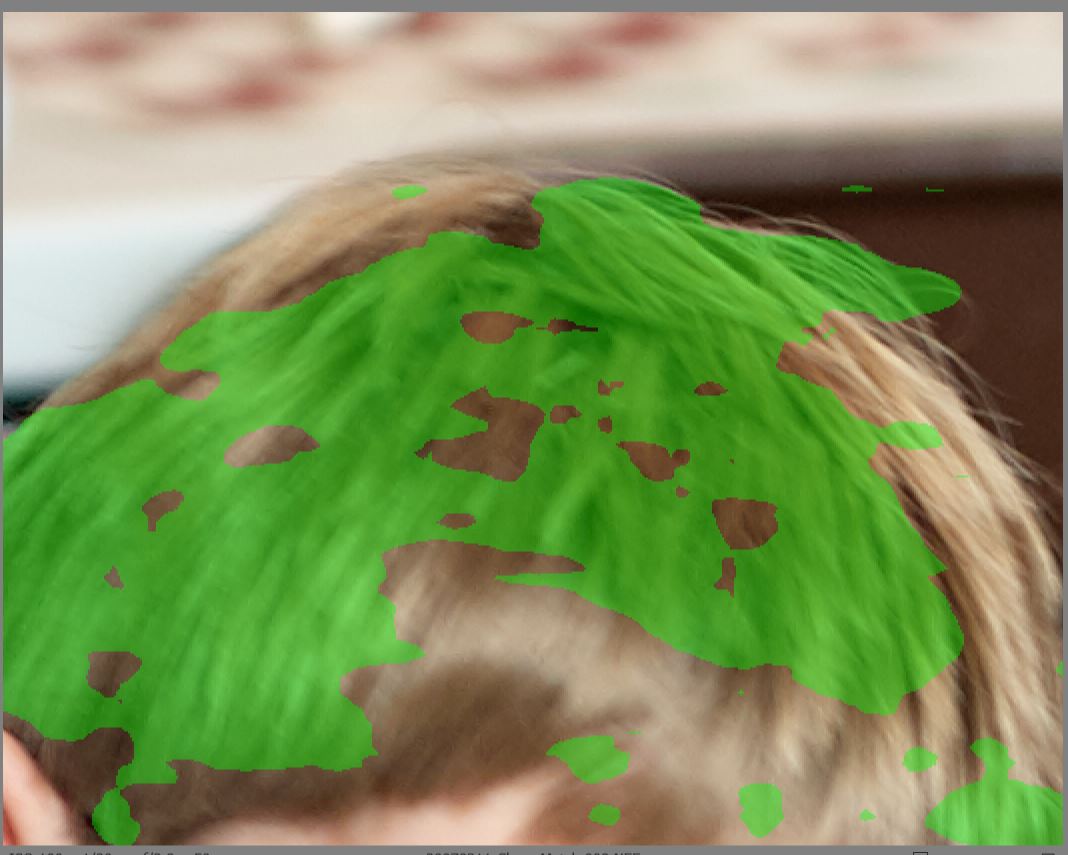
I've recently been going through some NEF's from first a D70 and the a D200, and the Focus Mask is wrong.
Example:
Focus Mask on:
Focus Mask off:
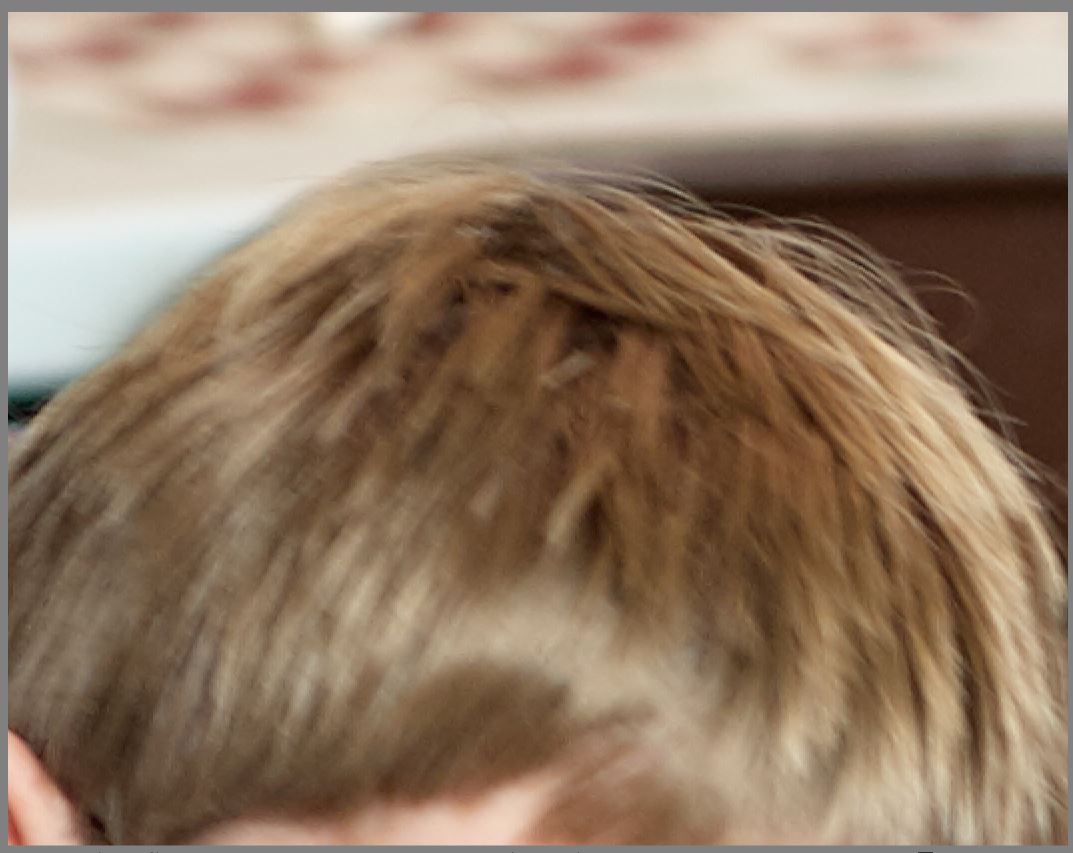
Sorry, but nothing indicated in green in the Focus Mask shot is actually in focus.
I've taken the Focus Mask icon off my menu and removed the keypress shortcut for it as it's worse than useless, it's flat wrong.
BTW this Zendesk software is abysmal. Trying to craft this post was an exercise in frustration.
0 -
In my experience this contrast-based (or whatever based) "greening" is useful when you compare different shots of the same subject, e.g. (and especially) in portraiture.
Having several almost identical images, this is an aid to identify which images have the eyes or the nose in focus, for example, especially when shots were done with fairly open aperture and flat background. Studio portraiture. I think that is the origin, and its usefulness beyond that is rather limited.
It's probably best you do as you did, just ignore this feature.
0 -
Thanks for the feedback. I've seen numerous posts where users we're using it to discard out of focus photos.
In my opinion it's ill advised to use the focus mask feature for that purpose.
0 -
As with many things, there is no 100% certainty, and discarding based only on this might not be perfect.
However I find, under the scenarios described earlier, it can help. I used this for example for images shot in bursts to easier find the promising shots. No green often means out of focus (or otherwise flat), but green does not automatically mean it is in focus (e.g. In a small aperture landscape shot even harsh bokeh can be green. :-)
It's just an aid which helps sometimes, but I seldom use it.
0

Post is closed for comments.
Comments
7 comments