Image being edited looks low-res

Hi everyone. New to Capture one. Using capture one express for sony.
Pretty easy to explain - after importing raw files from my a6000, the full image I'm working on looks... well, crappy. I have a QHD screen (2560 x 1440), and I'm running capture one at full screen. In the program itself, while editing, it looks like a 720p picture, at best. On full screen, this is so noticeable it's not even funny. Ironically, when I export an image, it looks fine and detailed - just like it should. Very different from the in-program image. What's going on??
I'm running Capture One Express for Sony version 9.2.1.17, and importing raw files from my sony a6000.
Being new, I hope this is just a simple thingy I haven't learned about. Finally switching from Aperture after all this time. So I hope this isn't a dumb question, but I haven't found an answer on google.
Pretty easy to explain - after importing raw files from my a6000, the full image I'm working on looks... well, crappy. I have a QHD screen (2560 x 1440), and I'm running capture one at full screen. In the program itself, while editing, it looks like a 720p picture, at best. On full screen, this is so noticeable it's not even funny. Ironically, when I export an image, it looks fine and detailed - just like it should. Very different from the in-program image. What's going on??
I'm running Capture One Express for Sony version 9.2.1.17, and importing raw files from my sony a6000.
Being new, I hope this is just a simple thingy I haven't learned about. Finally switching from Aperture after all this time. So I hope this isn't a dumb question, but I haven't found an answer on google.
0
-

[quote="NN636073178826465407UL" wrote:
Hi everyone. New to Capture one. Using capture one express for sony.
Pretty easy to explain - after importing raw files from my a6000, the full image I'm working on looks... well, crappy. I have a QHD screen (2560 x 1440), and I'm running capture one at full screen. In the program itself, while editing, it looks like a 720p picture, at best. On full screen, this is so noticeable it's not even funny. Ironically, when I export an image, it looks fine and detailed - just like it should. Very different from the in-program image. What's going on??
I'm running Capture One Express for Sony version 9.2.1.17, and importing raw files from my sony a6000.
Being new, I hope this is just a simple thingy I haven't learned about. Finally switching from Aperture after all this time. So I hope this isn't a dumb question, but I haven't found an answer on google.
Preview Image Size is probably set too low
Look for it in your options / preferences in Image tab0 -
[quote="Wesley" wrote:
Preview Image Size is probably set too low
Look for it in your options / preferences in Image tab
Just looked there now. It's set to 2560. Is that the width? Assuming so. My monitor itself is 2560 x 1440.
That means the viewer is downsizing it to... probably 1600-ish.
I tried upping it to 5120, looks the same 😕0 -
[quote="NN636073178826465407UL" wrote:
[quote="Wesley" wrote:
Preview Image Size is probably set too low
Look for it in your options / preferences in Image tab
Just looked there now. It's set to 2560. Is that the width? Assuming so. My monitor itself is 2560 x 1440.
That means the viewer is downsizing it to... probably 1600-ish.
I tried upping it to 5120, looks the same 😕
There's certainly no need to increase the preview image size to 5120 if your display is 2560 - all you are doing is increasing the storage space needed for the previews for no advantage in preview quality. You need it to be as big as your display (2560) but not bigger.
Ian0 -

Try zooming in to 1:1 and the back out again, what does the image look like then? Zooming to 1:1 seems to force Capture One to build a full size pre-view. 0 -

[quote="NN636073178826465407UL" wrote:
[quote="Wesley" wrote:
Preview Image Size is probably set too low
Look for it in your options / preferences in Image tab
Just looked there now. It's set to 2560. Is that the width? Assuming so. My monitor itself is 2560 x 1440.
That means the viewer is downsizing it to... probably 1600-ish.
I tried upping it to 5120, looks the same 😕
Yes, it is the width.
You have to select the images and tell CO to "Regenerate Previews".
Hope it helps.0 -
Sooo, this is an odd one.
I bumped down the preview size to 1920, just randomly experimenting around. Then had to regenerate. It looks nice(er) all of the sudden.
Apparently - in Capture One - larger preview image sizes (in this case, 2560 and higher) look noticeably worse and lower res in the viewer. Ok...
Curious... why does Capture One work with resolution-static previews, rather than simply make the working image as large as the screen's resolution (and area it's displayed in) allows? it could just save that, and spare you that time in your workflow.0 -

[quote="DanFreck" wrote:
Apparently - in Capture One - larger preview image sizes (in this case, 2560 and higher) look noticeably worse and lower res in the viewer. Ok...
This may just be to do with your hardware as I have 2560 generated for a 1920x1080 screen and it is tack sharp.0 -

[quote="DanFreck" wrote:
Curious... why does Capture One work with resolution-static previews, rather than simply make the working image as large as the screen's resolution (and area it's displayed in) allows?
I assume this is due to fact that "developing" the RAW file and getting the best possible result out of it takes considerable amount of time, depending on the hardware and the RAW size (could take many seconds). So, previews solve this kind of problem providing a near-instant picture (and then Capture One could work in background looking at the RAW file and enhancing the picture, etc).0 -

You might be interested in this thread too.
http://forum.luminous-landscape.com/ind ... c=118700.0
D.0 -

Recipe proofing on? Upper right corner, binocular like icon. Switch it off, any difference? 0 -
Sorry, I spent a few days working on this issue, got frustrated, then got busy with other projects. Now I'm interested in getting this whole **** thing worked out. Recipe proofing on? Upper right corner, binocular like icon. Switch it off, any difference?
Don't have it. Probably because I'm using the free version for sony cameras. Dunno.Try zooming in to 1:1 and the back out again, what does the image look like then? Zooming to 1:1 seems to force Capture One to build a full size pre-view.
Thanks, tried that too, but no dice. Looks the same. ☹️
Anyway, ignore what I was saying before about the preview size at 1920 looking better because that went away when I restarted the program.
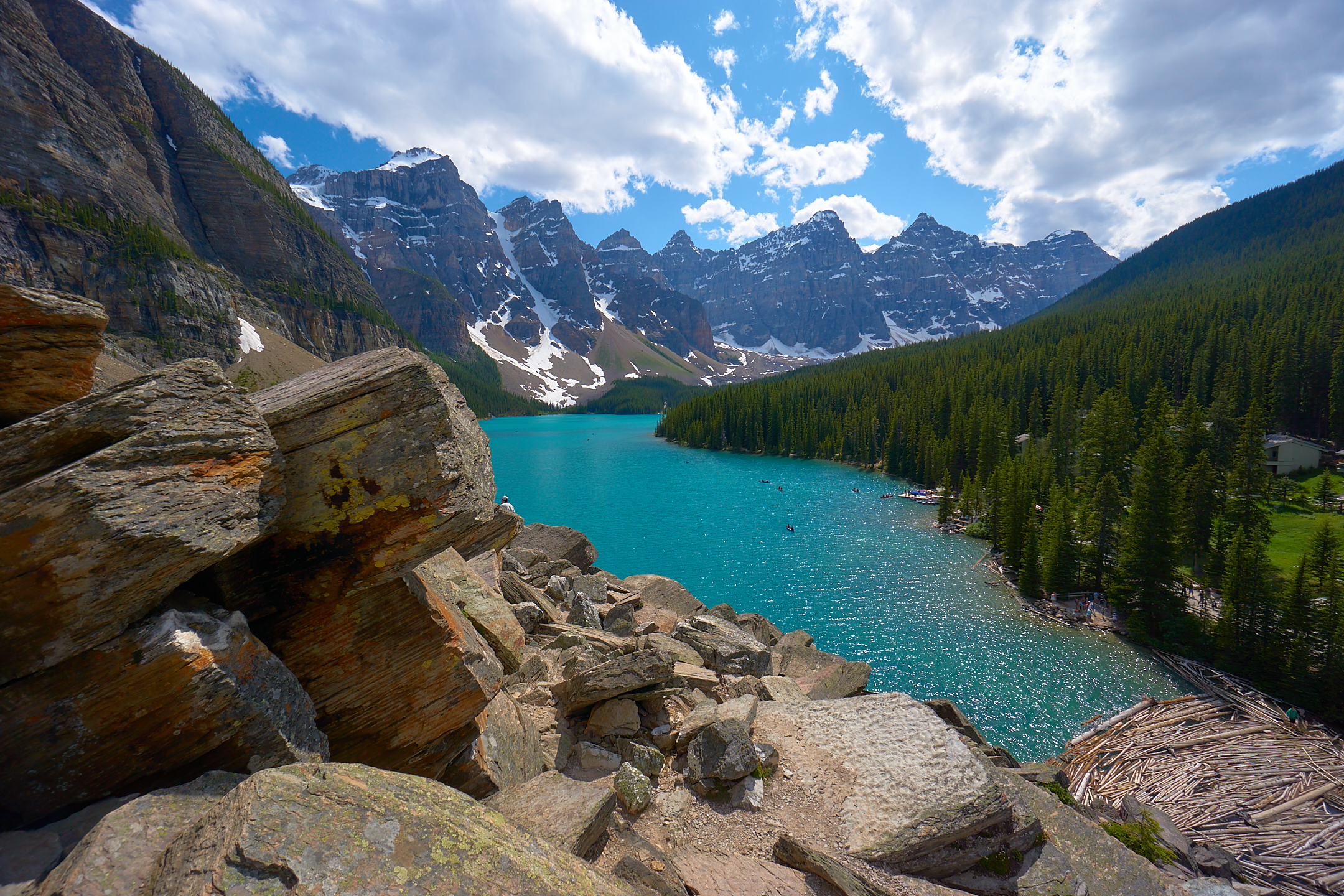
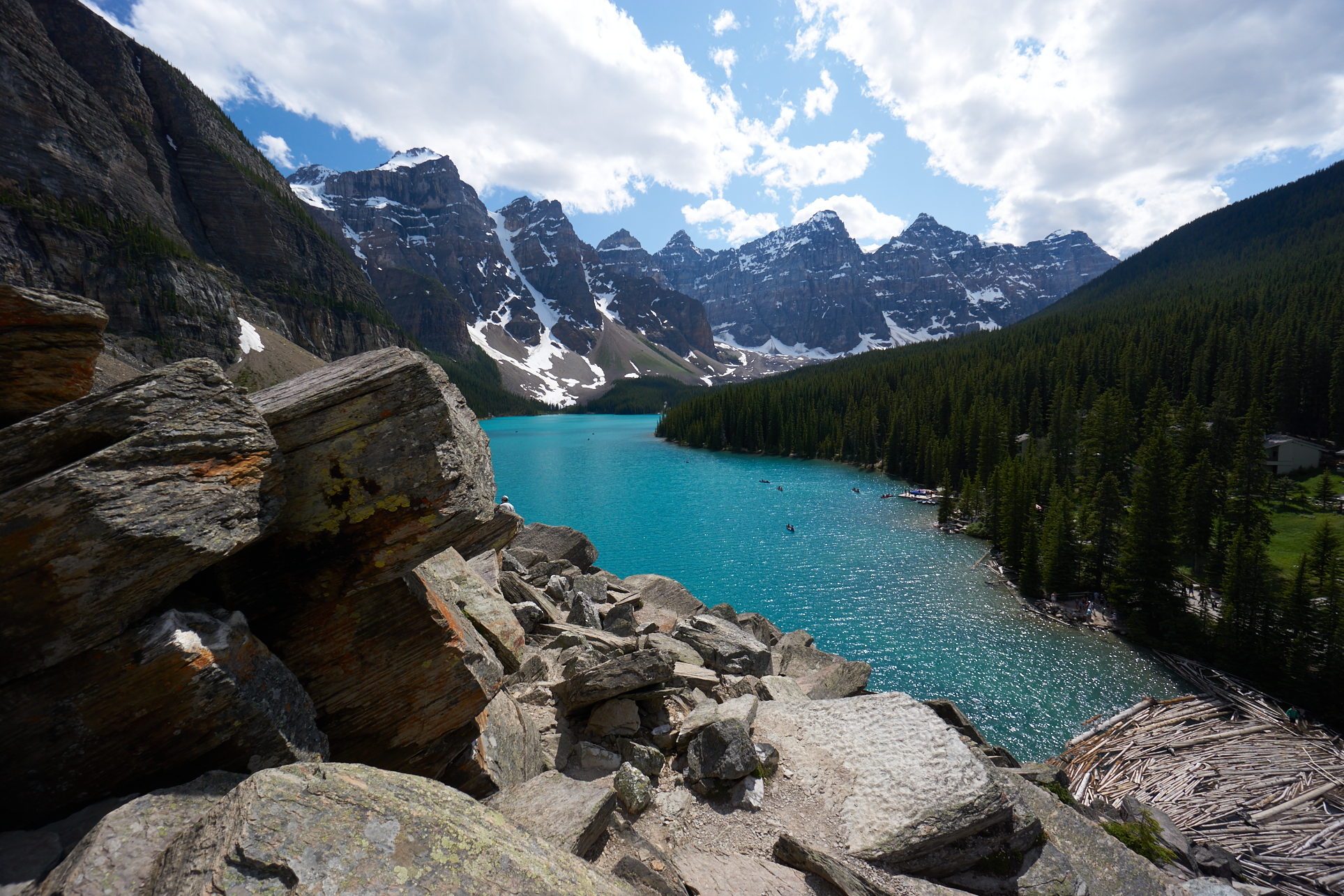
Here, let me make this a lot easier by simply showing 2 pictures. One is a screenshot of me working in capture one; it also shows the preview size (and yes, I've regenerated the preview many times).
The other picture is the output at 2160 x 1440.
Look at the difference between them. It's obvious. I'm a stubborn man, but this is honestly ticking me off. Can anyone help with this?0 -

Dan,
You are jumping around between resolutions here - on screen in your edit exercise and then comparing to an output file of a different resolution and displaying at a different size and with whatever output processing may have been applied.
I not you have elected to chop contrast and to apply negative clarity.
What does the result on screen during edit look like at Full screen?
If you consider that your preview is set for full screen size but with tools and browser visible and the full image being scaled to fit the remaining real estate there may be some compromises in pixel dropping that compromise an image like that but might not be so obvious in other images with different content or, indeed, with other file sizes. But n any case whet you really want to see, I assume, is how the image will look at either optimum size (i.e. full pixel population used) or at the size to which it will be processed.
Luckily for me (I suspect) my 1920 pixel wide screen working with smaller files (older cameras) probably hides some of the compromises for display performance that software has to adopt. When working with larger files (other people's stuff out of interest) I tend not to care much about how it looks other than at 100% view - unless people are specifically asking questions about compression concerns. The result is I probably don't look at the images in any compressed form with much of a critical eye. Perhaps I should. At 100% I do.
2 suggestions.
Leaving the resolution as it is crop a part out of the image such that the cropped section has detail of interest but will display at the preview resolution in the viewer. Any difference? How about at 100%? (If cropped as described it should already be at 100%).
If it changes, make a record of what happens and then create a Support Case and have the Capture One Support Team take a look and make some suggestions and see where you get from there.
There are so many possible compromises for interactions between hardware and software that might have marginal effects (for example on your system that might not happen in mine) that I think the only way to progress this if it really gets to you is to discuss it with the C1 support crew. Mostly the people here are user - so it's just possible to get 10 different responses from 10 different users!
HTH.
Grant0 -

[quote="DanFreck" wrote:
I'm running Capture One Express for Sony version 9.2.1.17, and importing raw files from my sony a6000.
Your signature says you're using Pro for Sony version 10. Which is right?
If you're still using v9, why don't you update to 10 and see if it solves the issue?0 -
Your signature says you're using Pro for Sony version 10. Which is right?
My bad, I just forgot what version I had, It's 9. I don't know if there's a free capture one express for 10.You are jumping around between resolutions here - on screen in your edit exercise and then comparing to an output file of a different resolution and displaying at a different size and with whatever output processing may have been applied.
This just isn't the issue. I outputted it at 2160 X 1400 on purpose - because that's very close to the size of the preview being displayed on my screen, shown in capture one (my screen is 2560 x 1400).
Alright, just so we can proceed past all this, I've refined this down to the bone, so there's no difference in the details to squabble about.
I made a preview without any adjustments. This way any edits I made play no role whatsoever. Took a screenshot, again from within Capture One:
Then, I took that screenshot, of exactly what's on my screen, and cropped out just the preview part. It ends up being 1927 x 1286:
Then, in capture one, I exported the image at this same resolution, 1927 x 1286. That way the output matches the exact dimensions of what I see, on screen, in capture one.
Now compare those last 2 links. No difference in resolution, no adjustments, just pure comparable quality differences between two 1927 x 1286 pictures, generated by capture one in different situations.
We should be able to agree, now, there's an obvious difference between what you see in capture one, and the image being worked on, which could undeniable look better (as the output demonstrates quite clearly). Look at the trees, mountains, and logs at the bottom right. The same program produces a mushy, cruddy looking picture at 1927 x 1286 in-program, while at the same time producing a better, higher quality picture at the same resolution of 1927 x 1286 when exported.
Look, this is unacceptable to me. Let's stop thinking about this as some persnickety hard-to-see problem. It's the very first thing I noticed when I used capture one for the first time. I didn't pixel peep, or look deep into the program shenanigans . My very first (and startling) reaction was "Holy sh**... this looks like crap...? " When that's your first reaction, it doesn't bode well for the program.
I'm moving away from aperture, since it's been unsupported for a while now, and my desktop PC is faster and easier to edit with anyway. I expected this program to be better, and gave it the benefit of the doubt at first. Now I'm a bit turned off, because this non-destructive raw program can't seem to even make decent in-program images to work on. This is face-on obvious stuff; I genuinely don't get why people aren't up in arms about this. How old is this program?0 -
[quote="DanFreck" wrote:
Your signature says you're using Pro for Sony version 10. Which is right?
My bad, I just forgot what version I had, It's 9. I don't know if there's a free capture one express for 10.
Of course there is!
Regarding your issue : have you tried to disable OpenCL acceleration in the prefs? Have you filed a bug report to PhaseOne (link in my signature)?0 -
Dan,
I am viewing your latest png files through Firefox on a Dell notebook with a 1920 pixel wide screen and doing as much as I can to match the size and on screen position of the images (which naturally try to centre themselves and are marginally out of alignment.
All I can say is that in all honesty I cannot see any difference at all between the two try as I might.
Your screen capture certainly does not look to be of poor quality in any way but of course I will be seeing a slightly compressed version or, by zooming to 110%, a perhaps somewhat compromised rendition. I would anticipate that the zoom through Firefox would make things worse rather than better but really I see no difference and nothing that looks like poor quality in either png image. I wish I could see something obviously different - but I don't.
I downloaded both files and viewed them using FastStone viewer and came to exactly the same conclusion as with Firefox. No discernable difference.
All rather baffling.
Grant0 -
[quote="DanFreck" wrote:
My bad, I just forgot what version I had, It's 9. I don't know if there's a free capture one express for 10.
As your signature says you are using a Sony camera, then yes you can use the free Version 10 for Sony. As suggested it would be worth testing whether you problem persists if you upgrade to that. You can download it and install it alongside version 9, so you have nothing to lose by trying.
Ian0 -
Your output file does look sharper. You probably have output sharpening enabled in your process recipe. 0 -
[quote="John Doe" wrote:
Your output file does look sharper. You probably have output sharpening enabled in your process recipe.
Output sharpening is a version 10 feature.
I see the difference too.0 -
I might have insight on what's happening. I wrote a brainfart reply moments ago (deleted) that enlightened me on the probable cause. Down-sampling.
C1 draws the screen fill preview out of the generated proxy files. Those files have already been down-sampled to the screen's maximum resolution. When drawing the preview in the window, it's down-sampled again to match the frame.
As far as I understand, pixels are averaged out when down-sampling, resulting in less information. Having less detail available to compute preview results in this discrepancy.
Maybe this was mitigated in version 10, because while I can see a difference in contrast and perceived sharpness, it is minor. Alluding to sampling the export from the original file versus the preview from the proxy file; giving a different result at the same output resolution.0




Post is closed for comments.
Comments
20 comments