Create new session

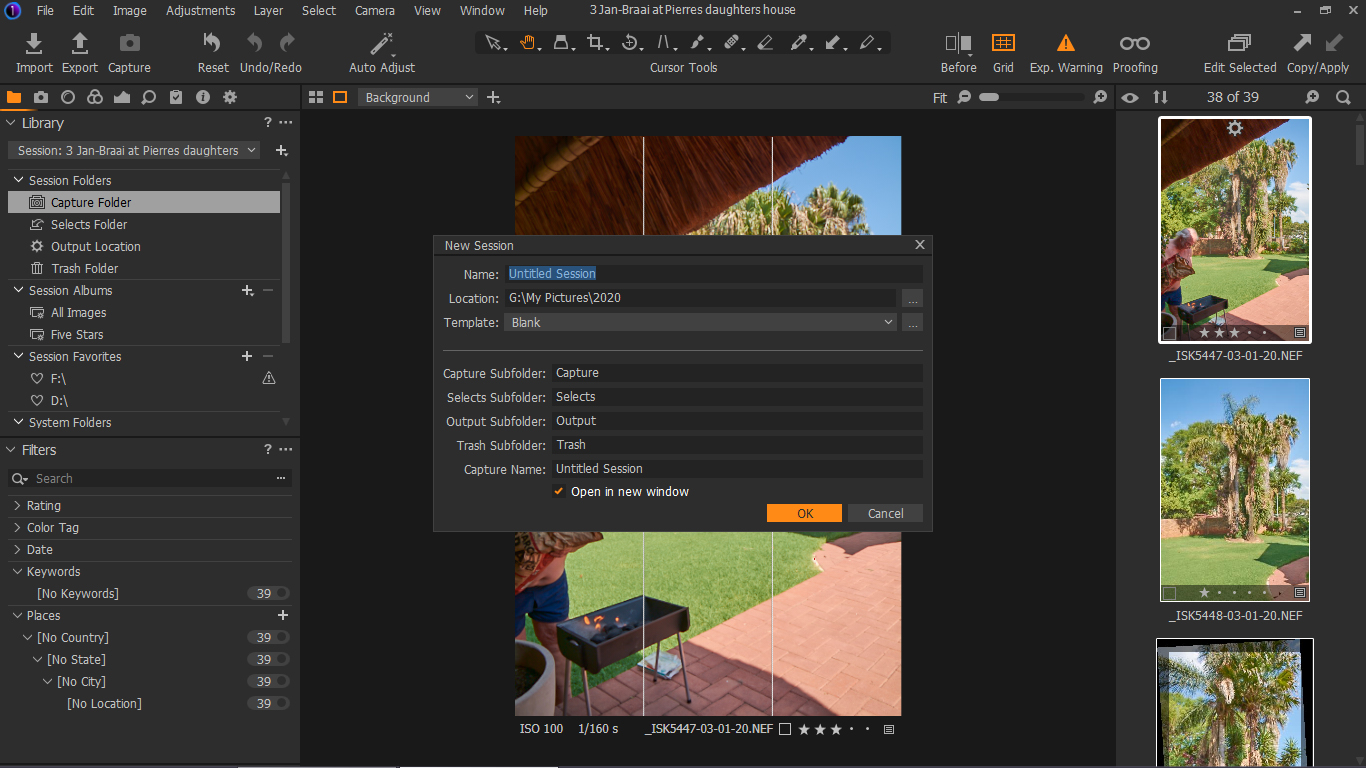
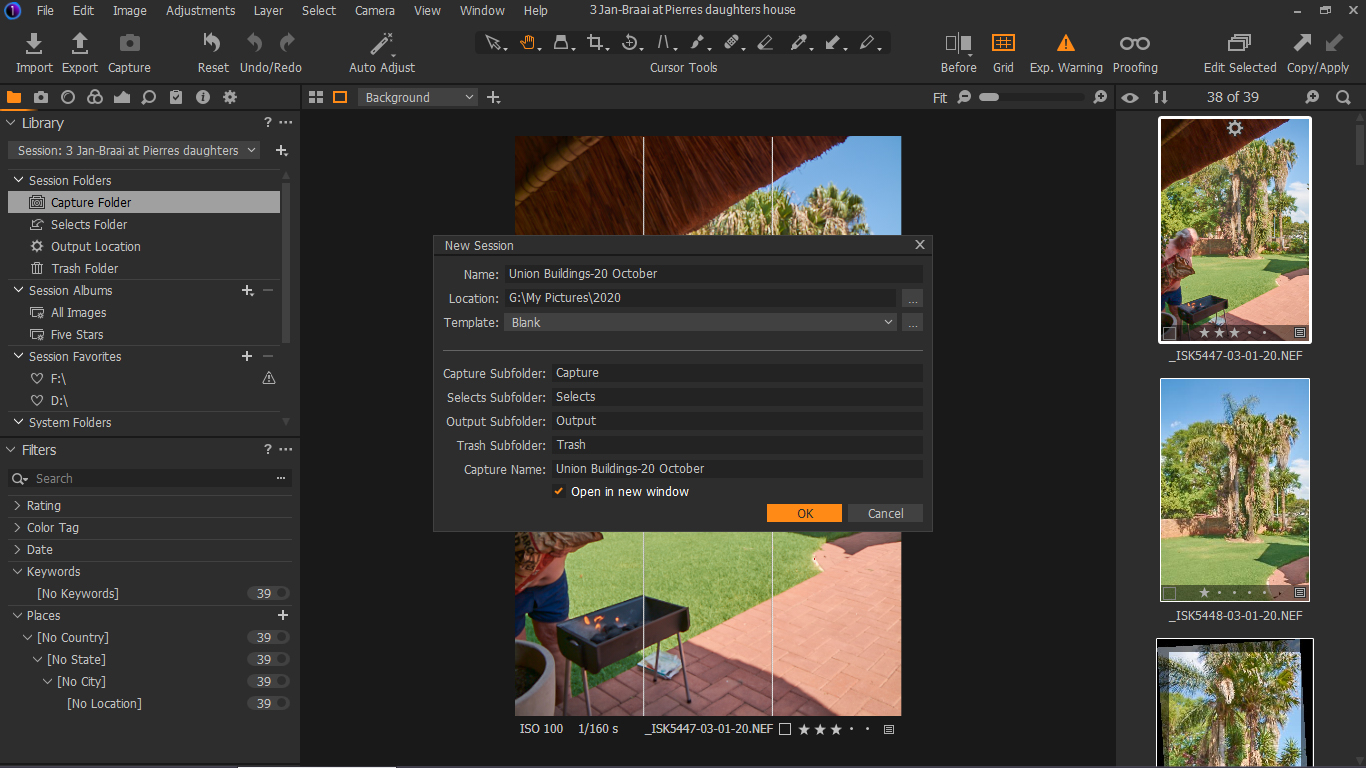
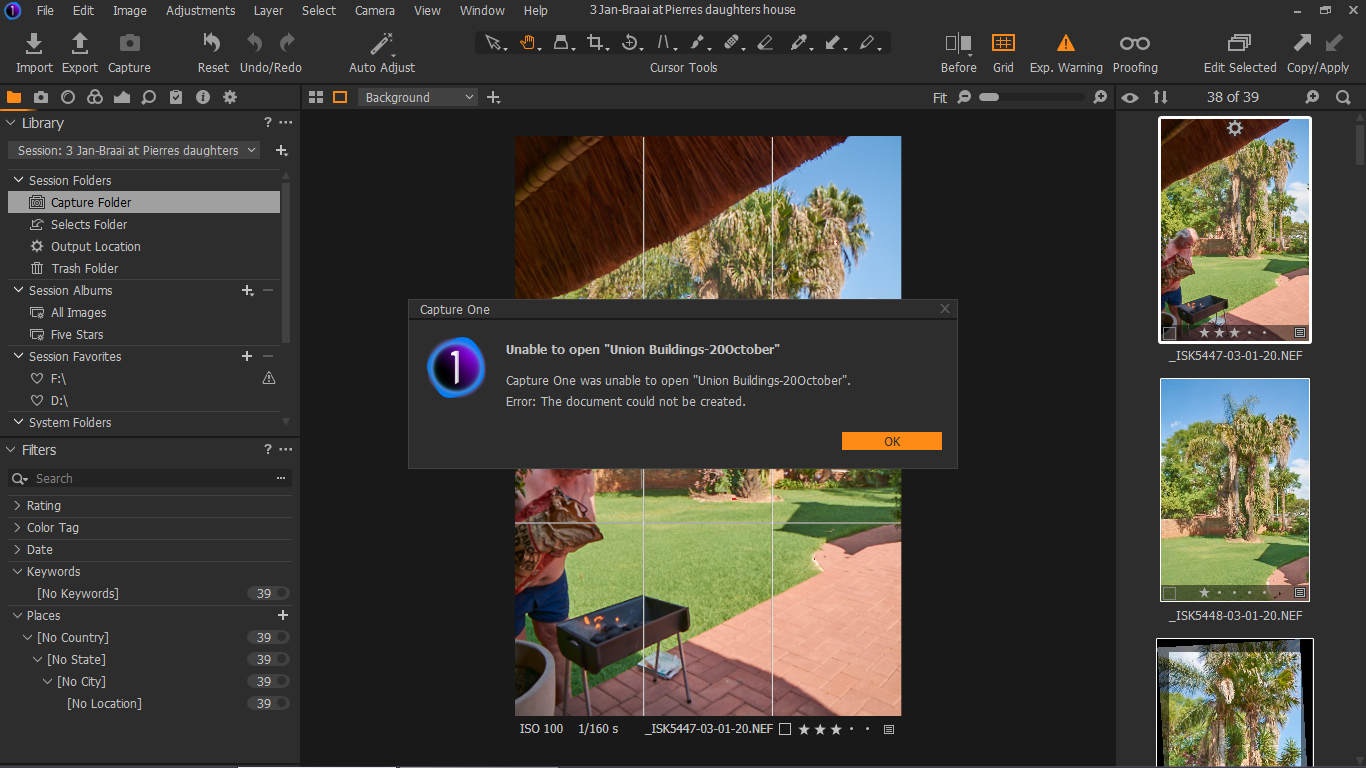
I have full COP 20, version 13.1.3 for Nikon, which the version I uploaded recently. A couple of days I took photos with Canon EOS 60D and converted them from RAW to JPEG without a problem. Recently, though, when I wanted to download my Canon photos from camera card to COP 20 I couldn't create the New Session. I attach the screenshots.
Ivan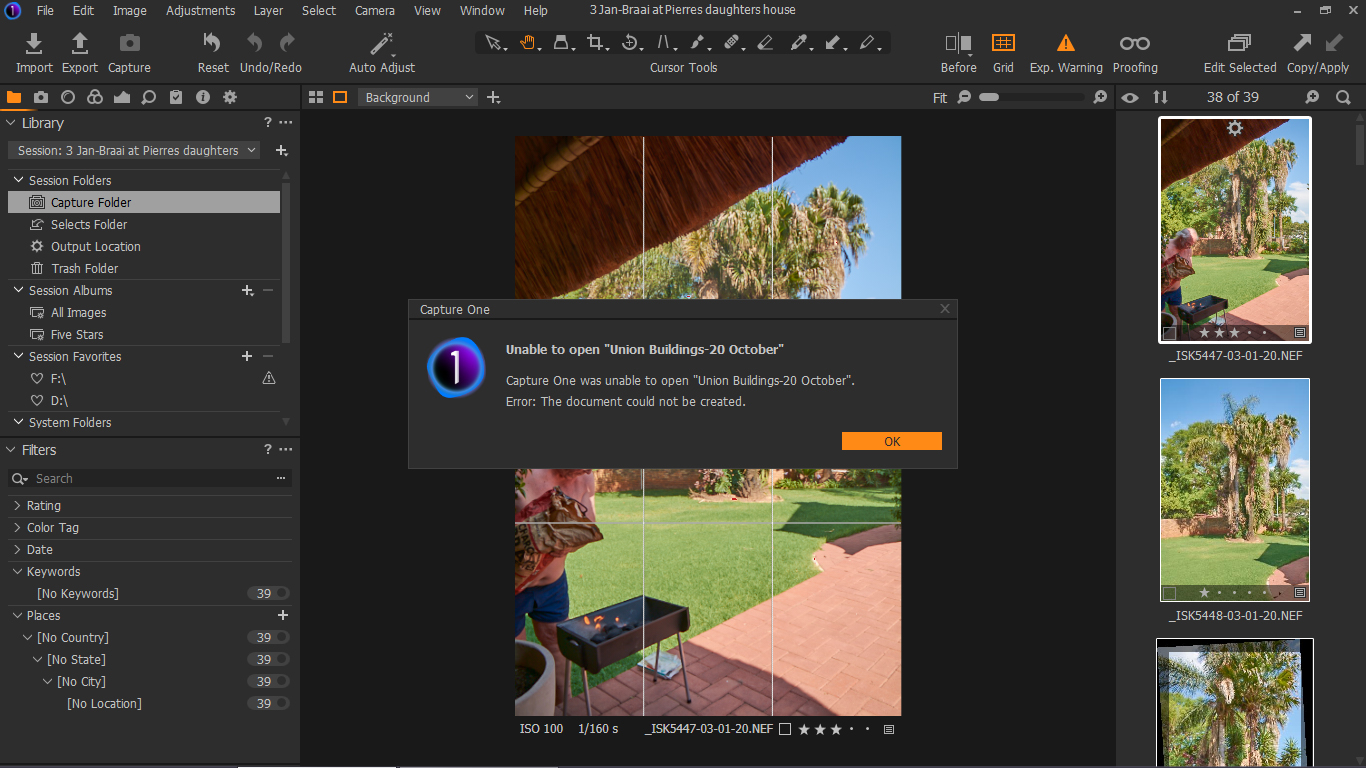
-

> Ivan Kovacik: I couldn't create the New Session
As you did not mention network attached storage, I presume G: is on a local disk.
I would likely first close Capture One and verify that disk drive G: is present in Windows Explorer. Then verify that the sub folder G:\My Pictures and sub sub folder 2020 both exist. Next verify that you can create the sub sub sub folder Union Buildings-20 October (G:\My Pictures\2020\Buildings-20 October). All in Windows Explorer.
Start Capture One and repeat the create new session procedure. The existing folder G:\My Pictures\2020\Buildings-20 October does not do any harm, C1 should adopt it as a Session folder and create the session file Buildings-20 October.cosessiondb and folders Capture, Selects, Output and Trash in G:\My Pictures\2020\Buildings-20 October.
Do not switch to a different user account. Capture One needs write access to the file repository.
0
Post is closed for comments.
Comments
1 comment