Can't login to achieve my account + download

I just purchased Capture One (v20, mac) without downloading the trial or creating an account before. Instead I just entered my email-address and payed via PayPal.
Then I got various screens + an email (@fastspring.com) with a link to manage my orders with the note that the link would work 1 hour only. I tried immediately of cause. (The mail text was originally in German: ~ "To protect your account, this login link is only valid for one hour after this message has been sent.
Click here to manage your orders.")
It links me to a download button. After pressing this button it requires me to login. I can enter my email address but don't know a password. So I pressed the "forgot password" link, which resulted in an according info screen. Unfortunately I do not get the announced email with either a password or a link to reset a password.
It seems to be mandatory to be logged into my account to "manage my order" and to download the purchased software.
So I tried to create an account in a different browser and used the email from my purchase – but the site responded that I would have an account already. Again I used the forgot-password link, again without success.
To get access to this forum I created an account with a different mail-address.
So, my question is:
– How do I get access to "manage my order" / to download the purchased software?
– How can I reset my password if I don't get an according email?
-
The email contained an activation code, correct? If so that's all you need. You can download Capture One from captureone.com without logging in. Click on the "Try it free" button to get to the download page then click on the Download Trial button.
What you purchased was a license code. Start the "trial" and input the license code you received. As soon as you input the code the application stops being a trial and starts being whatever version you purchased.
0 -
50 minutes later I got the "manage my order" a second time, with visually identical content. With the link in this mail fortunately it did not require a login but started download directly.
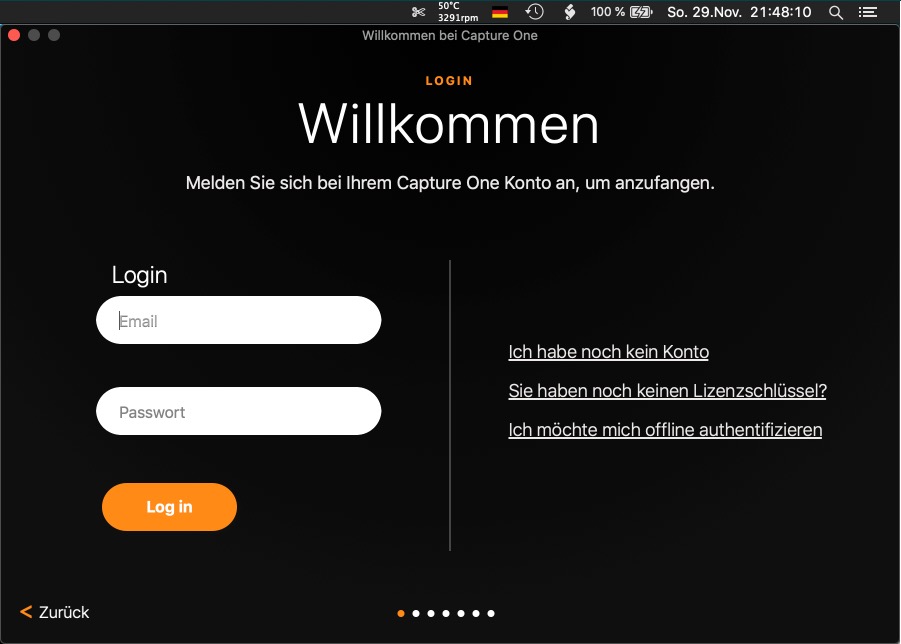
Now, when opening Capture One I still have the problem of not knowing my password. It requires an email + password, alternatively it offers a link to create an account.When using this link I get asked for email and password again as if the account would exist already.
So, how can I get access to the installed Capture One, respectively to enter my license key?
Or, again, how can I get access to my password / account?
It appears the website reminds/recognises that I have created an account for this forum – but for this account I used a mail address which is different from the one used for the purchase.What to do?
 0
0 -
@Marco, thank you, and sorry I haven't seen your post before my recent post.
<< Click on the "Try it free" button to get to the download page then click on the Download Trial button. >>
I had tried but that required a login first, too.
However, meanwhile I got the download with the link in the second mail. But when opening the app there is no "Try it free" option. It seems I can't use it as trial / without key or login. (see screenshot above)
<< What you purchased was a license code. Start the "trial" and input the license code you received. >>
Where can I put the license code? It appears I need to login first. When I instead close the window shown above then the app closes, so I am unable to make the app run.
0 -
What do you see when you launch the app?
In my case I can click on the Capture One menu and select the License... item. But it knows who I am so what I see and what you see may be quite different.
If you've downloaded the app you can ignore all of the try it free stuff as being irrelevant.
Have you asked Capture One support for help by clicking on the Submit a request link on the upper right of all forum pages?
Also, have you tried using the same user name and password you use to access the forum?
0 -
Thanks again. Below a screenshot of the opened app (with browser window in the background). It doesn't have menu items except "Capture One 20" and doesn't show a submenu. When I click the orange button (~ "Let's start") I come to the login mask posted above.
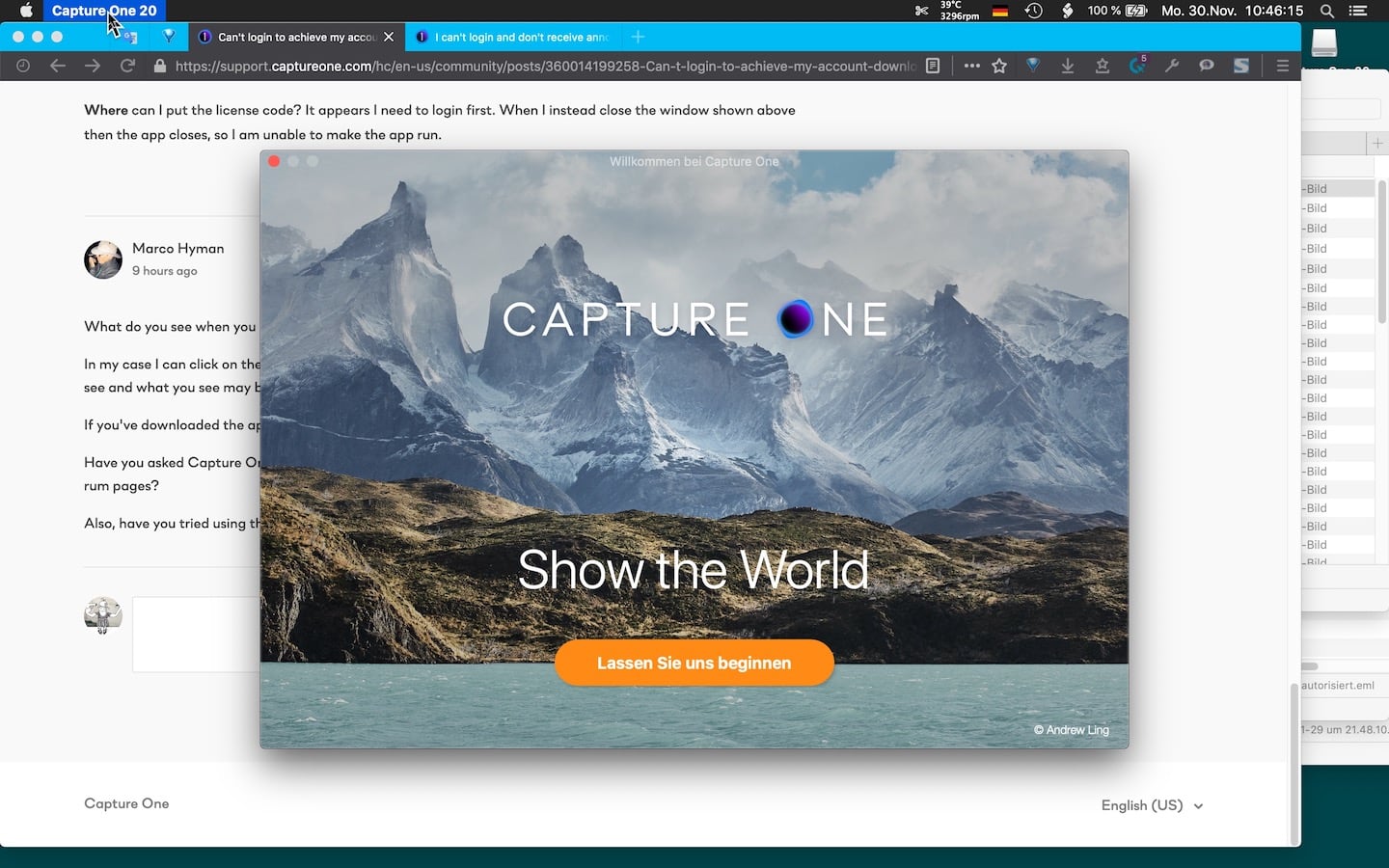
I haven't tried my forums login. I don't want the app to use this mail address, also I did not get the license key sent to this address. Finally there seems to be a related issue with differing mail addresses, mentioned in a FAQ: https://support.captureone.com/hc/en-us/articles/360002426837-Activation-error-The-provided-email-does-not-match-the-email-in-your-customer-profile.
Meanwhile I had found a (different) approach to the support message site and posted my concern there. (https://support.captureone.com/hc/de/requests/67051).
Your hint "Submit a request" via the top right forums corner indeed seems to work, too. I haven't tried this link before, thought it simply would create a new topic for the forum, assuming the forum and the support are separate sites – but apparently they aren't, right?
0
Post is closed for comments.
Comments
5 comments