Capture one 21 Pro (14.0.2.49, e245f73) Processing output file error / Code 1

Hi!
My problem: Mac completely freezes upon exporting images jpgs from raw files, so i have to restart and try again but it is continuing to do so. I tried to export one image to 40px and it worked. I would guess it is because of my old mac, but weirdly it has not been a problem at all the last 1-2 months.
I have already uninstalled and reinstalled this program, cleaned up my mac, did restarts etc. I have plenty of space left on my harddrive. And I run files from external drives.
MacBook Pro (Retina, 13-inch, Early 2015)
10.13.6 High Sierra
8 GB 1867 MHz DDR3
2,7 GHz Intel Core i5
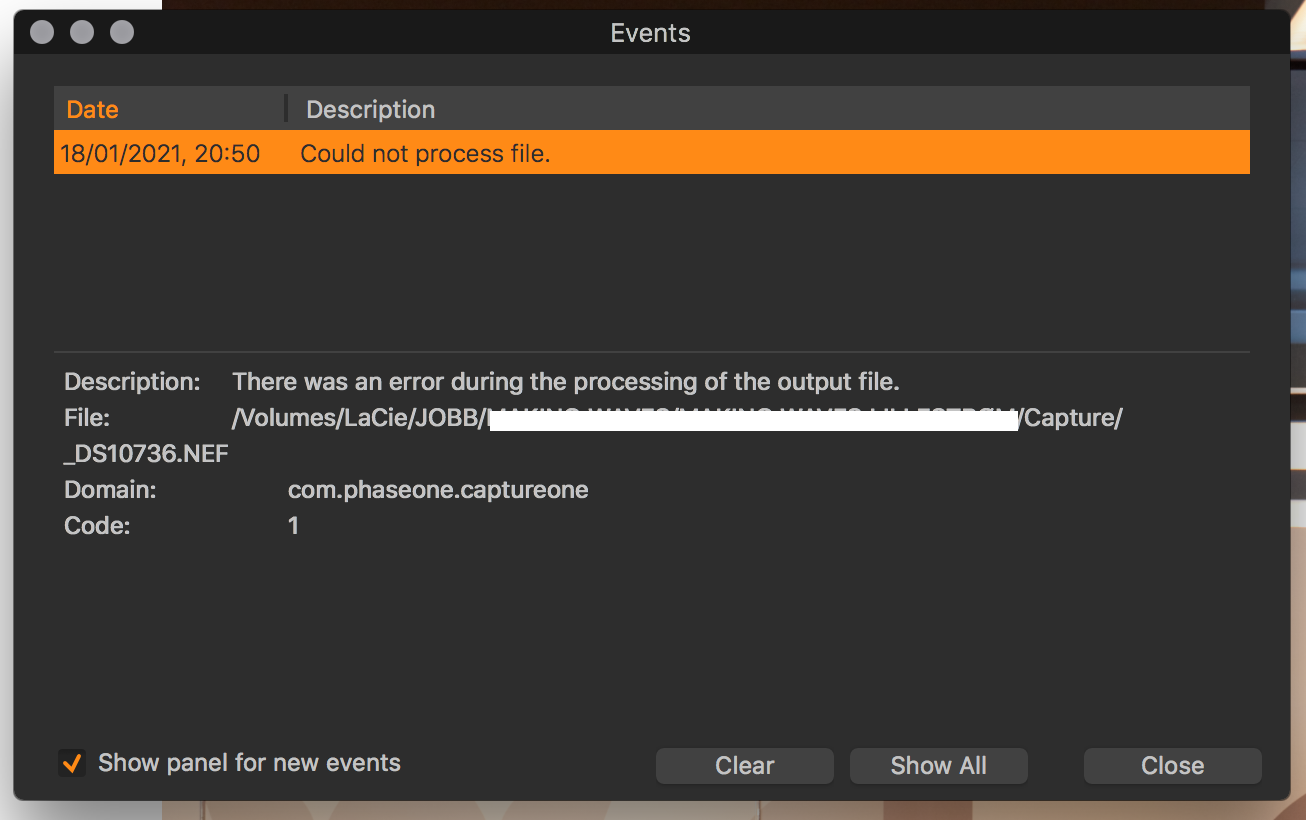
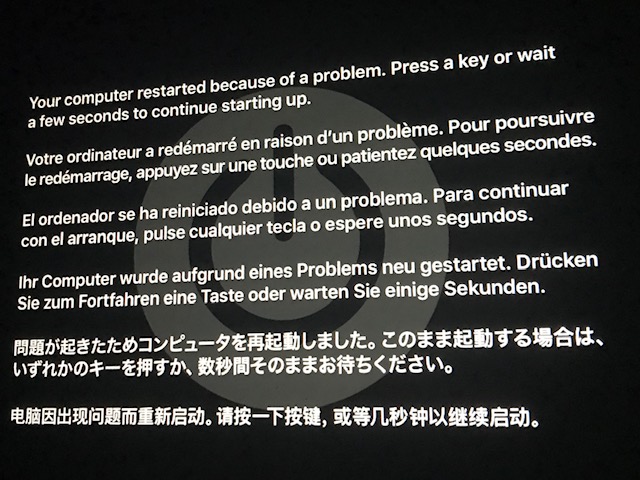
Attached is the message I get if I am am lucky, and the computer doesn't freezes, restarts or shuts down. I also got to the point where my Mac gets to the attached image "Your computer restarted because of a problem..."
I just want to know if this is my computer, or the software?
I know my computer is old, but waiting for MacBook Pro 16" 2021.
All the best,
Simen
-

hi,
1. do you also see the problem with different output recipes ?
2. does it also occur when processing files from you internal HD ?
0 -
Hi!
Yes. Also with different output recipes. I have transferred some of my images to my internal HD, and the same problem persists. Even on a new session and older sessions. It works fine on other formats, like smaller jpgs or smaller tiffs. Seems to happen on my raw files, and larger tiffs. I have also tested it from other disks and sessions.
I only get the same message each time,
"There was an error during the processing of the output file."
File: /Volumes/LaCie/JOBB/_DS10736.NEF
Domain: com.phaseone.captureone
Code: 1"Or this with bigger .tiffs (local HD)
"Description: Failed setting source file.
File: /Users/___/____/___/___/AVINOR-FINAL.tif
Domain: com.phaseone.captureone
Code: 1"Anyone have any ideas? My computer functions otherwise perfect.
Trying now to remove CP21 files from library/preferences and library/cahces
0 -
make sure you catch everything and delete and restart before a fresh install. https://apps.apple.com/de/app/find-any-file-faf/id402569179?mt=12 can be very helpful, some .plist files use captureone some use phaseone
0 -
Problem solved!!
It was the OpenCL settings that completely destroyed me. After I put both to never, it runs as smoothly as this computer is capable of.
https://support.captureone.com/hc/en-us/articles/360004517998-Capture-One-is-crashing-on-export?
Thanks again for answering me, 48 hours of shit I am now going to celebrate with a beer. And waiting for the new MBPro 16".
Simen
1
Post is closed for comments.
Comments
4 comments