Cannot move session to external hard drive

Folks, I've attempted 20+ times using the online guide, to move a session from my macbook HD to an EHD; but each time I try, the 'activities' window pops up and freezes; it does not allow me to move ANY session to an external hard drive.
I've contacted C1 but zero response for over a month now. Can anyone help me here? 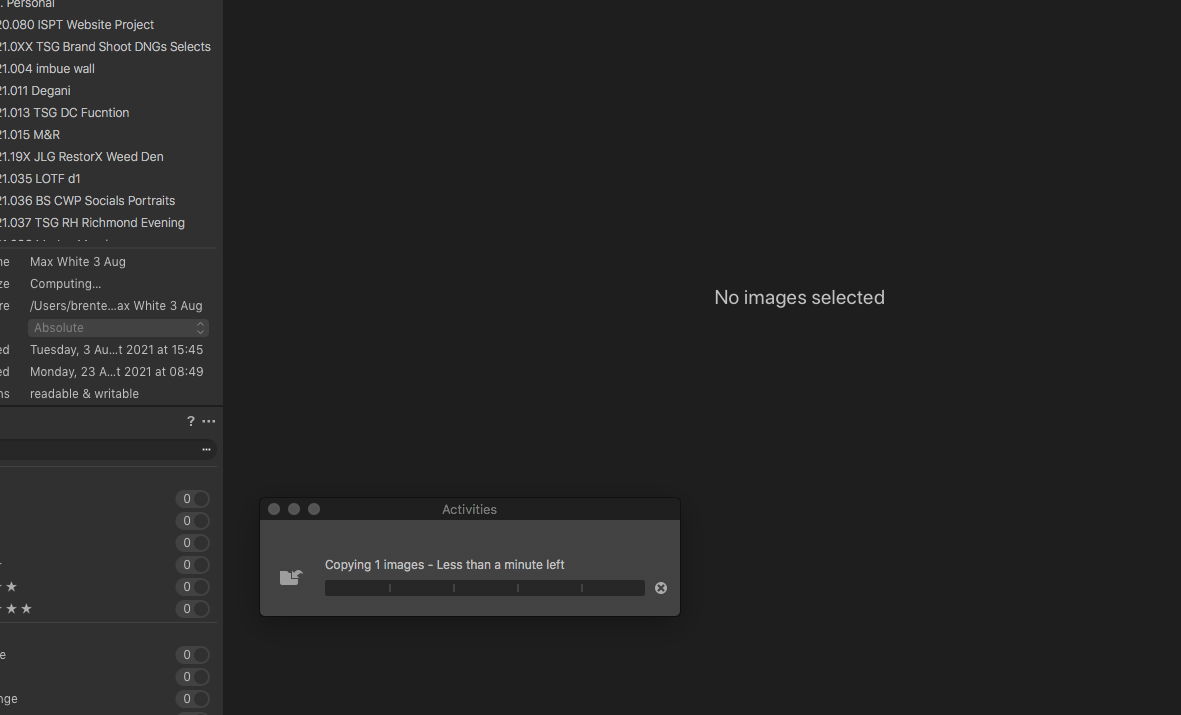
-
That should be easy.
Read this first:
https://support.captureone.com/hc/en-us/articles/360002523118-Moving-relocating-a-Session
- Make sure all your Session Folder and Session Favorites are "Relative to document" or "Relative to session".
- Then, by any means, use the Finder to move the folder which the session is contained in (or all 4 session folders and the session file), don't do this from within C1 (Finder is more reliable than C1 and apparently you are hit with an issue, in case you did the right thing in C1):
4. Choose from the following options:
-
Navigate to the appropriate Session folder in the Finder/Explorer (Mac/Windows).
0 -

Post is closed for comments.
Comments
1 comment