deactivation - activations - confusion

I purchased a Capture One subscription license in April of 2020.
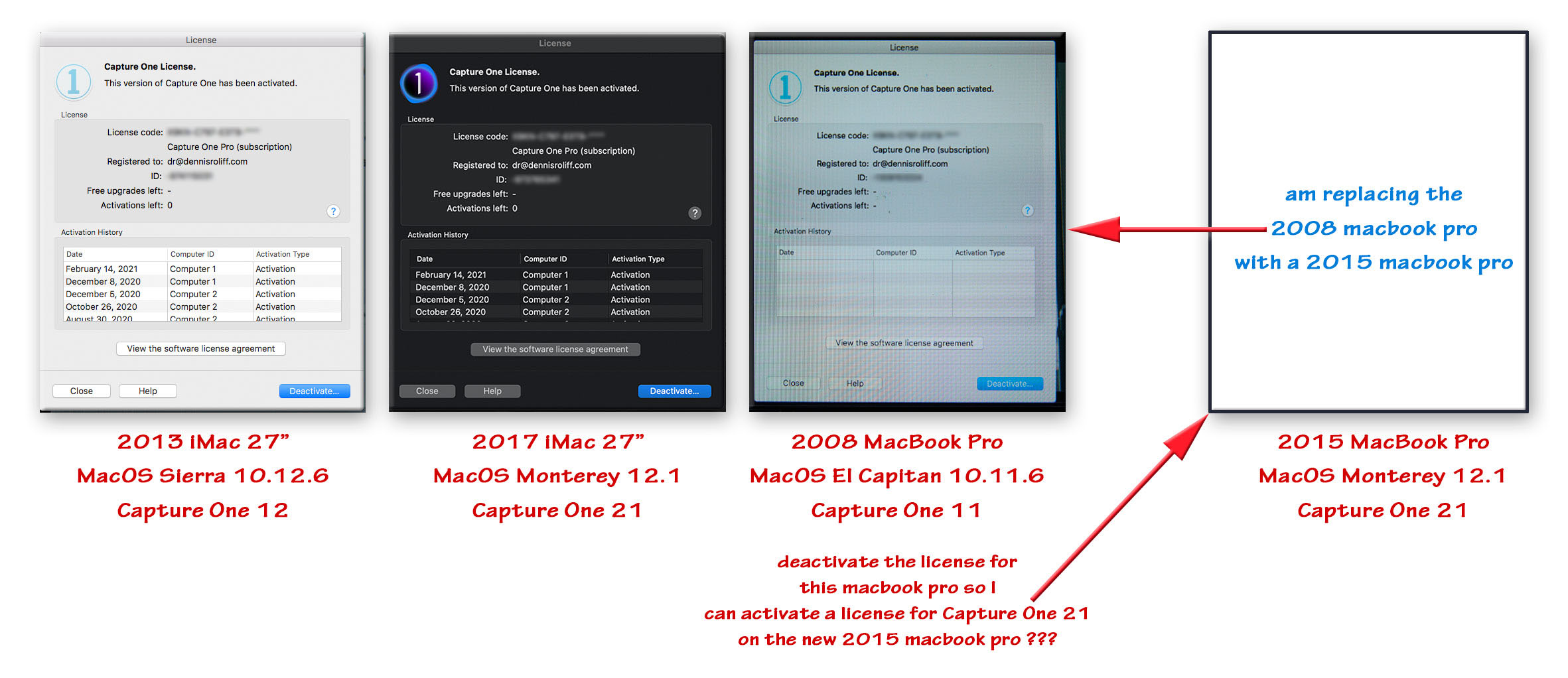
I have two 27” iMacs. One is a 2013 which I am running macOS Sierra 10.12.6 on for
specific reasons. On this computer I have activated and am running Capture One 12.
The second 27” iMac is a 2017 iMac retina which I am running macOS Monterey 12.1 on.
On the newer iMac I have activated and am running Capture One 21 and will soon upgrade
to Capture One 22.
I also have a late 2008 MacBook Pro 15-inch laptop which I am running
macOS El Capitan on and have activated and working with Capture One 11.
I have upgraded the laptop to a 2015 MacBook Pro (Retina 15-inch) on which I
will install macOS Monterey 12.1
According to this page on support.captureone.com,
since I purchased my subscription license key between November 2018 and
November 2020, I am allowed three activations ( which, it seems, I have ).
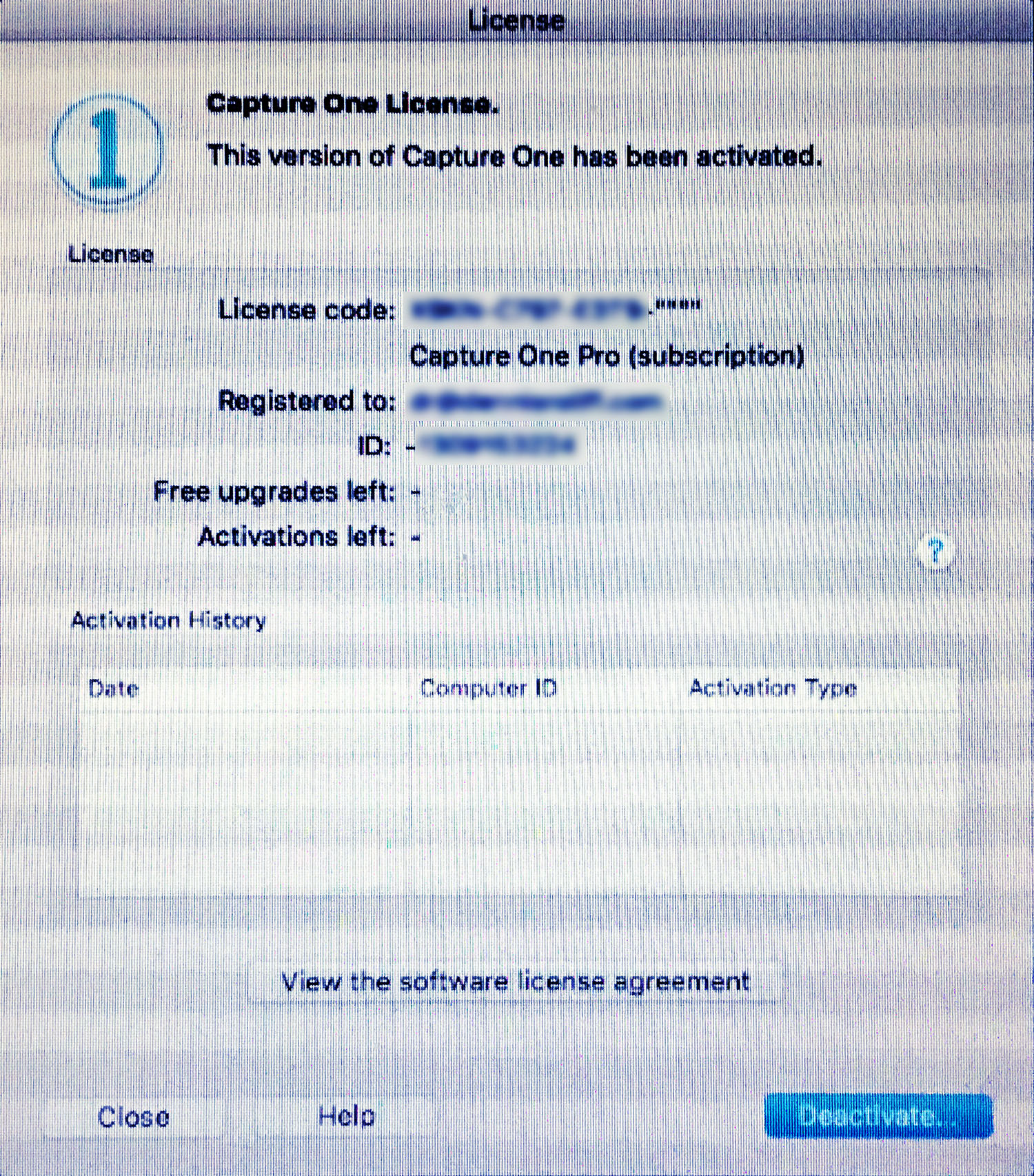
Upon trying to deactivate the Capture One 11 on the 2008 MacBook Pro, I get
an error message saying ‘Could not deactivate because no data was
received from the server.’ I want to be able to activate Capture One 22 on
the newer 2015 MacBook Pro (Retina 15-inch) laptop. If I am unable
to deactivate the Capture One 11 on the 2008 laptop, I suppose I won’t
be able to do so. So, my question is, how do I deactivate Capture One 11 on
the 2008 laptop?
-
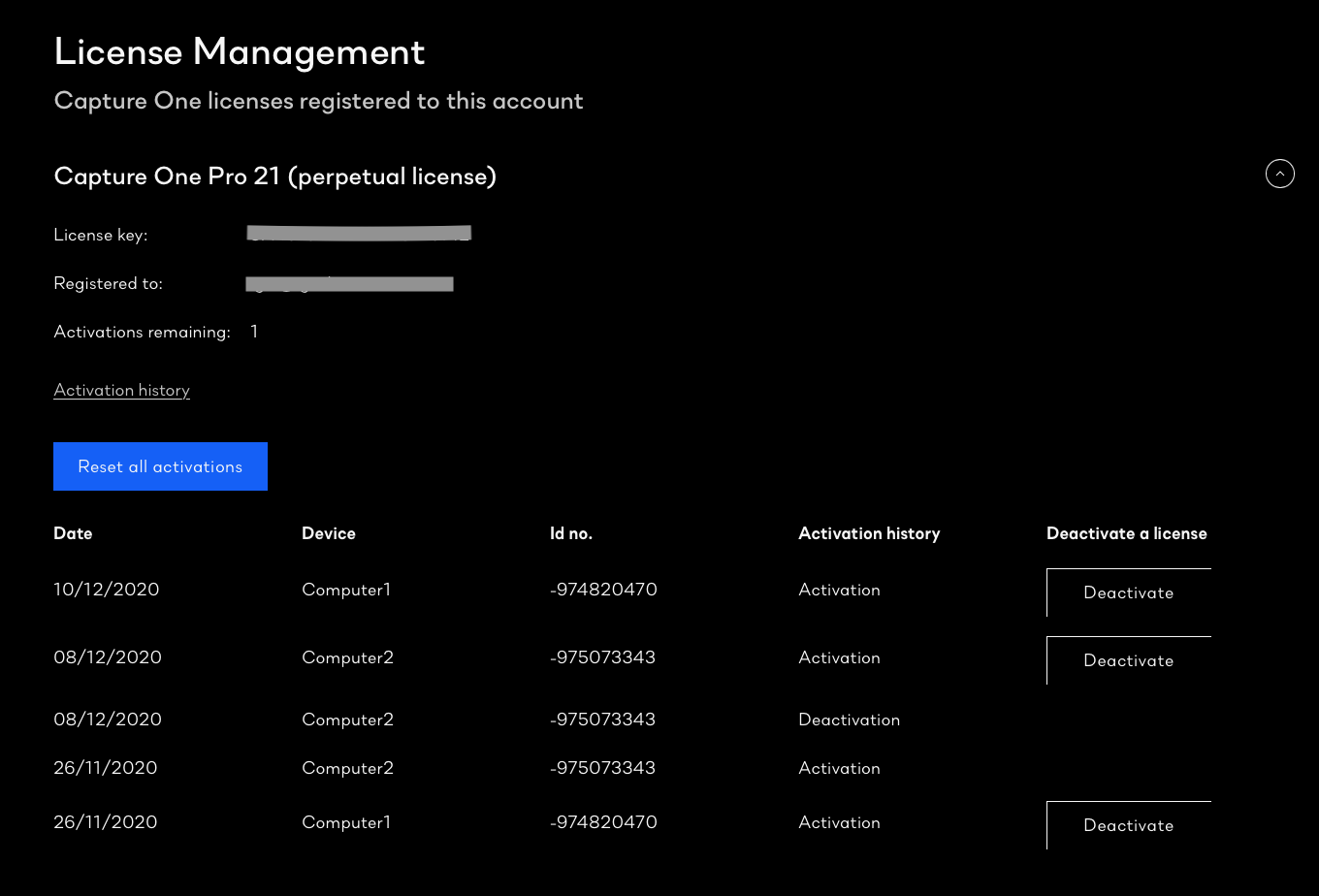
You should be able to log in to your account on the Capture One website and manage your activations there. From this screen click the blue button...
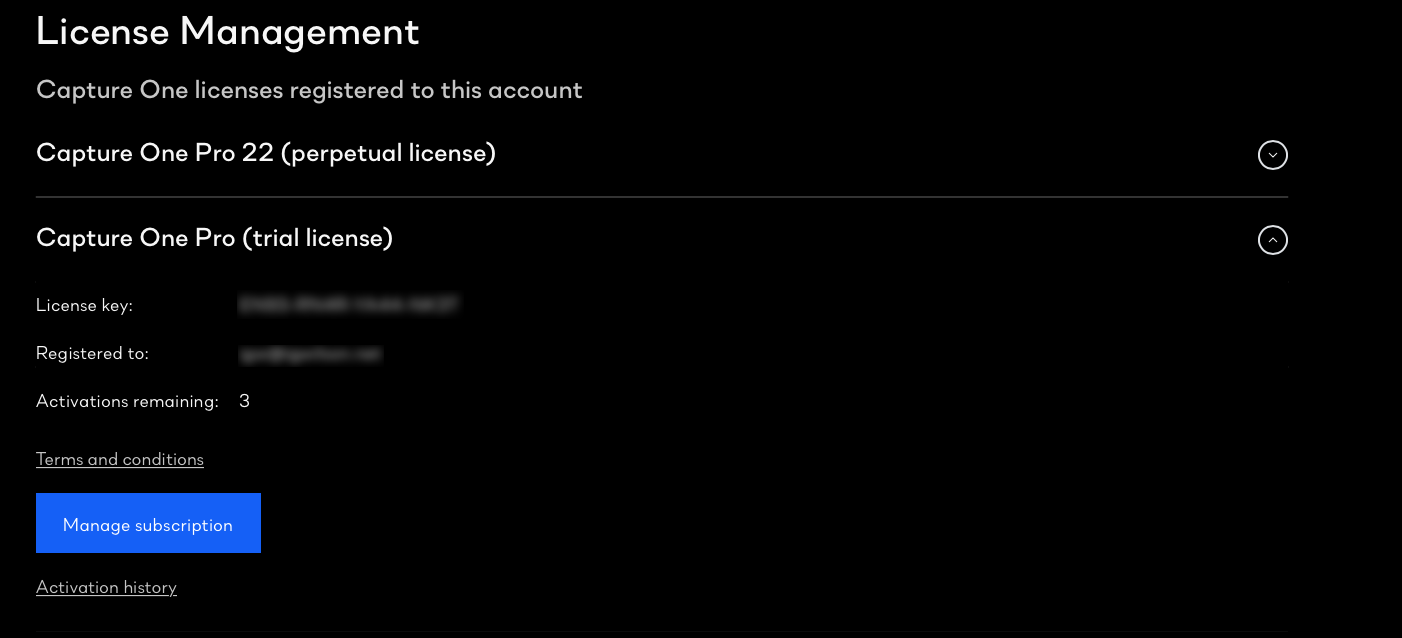
...then use this screen to deactivate as required.
Ian
0 -
Hi Ian,
Thanks for the valuable input.
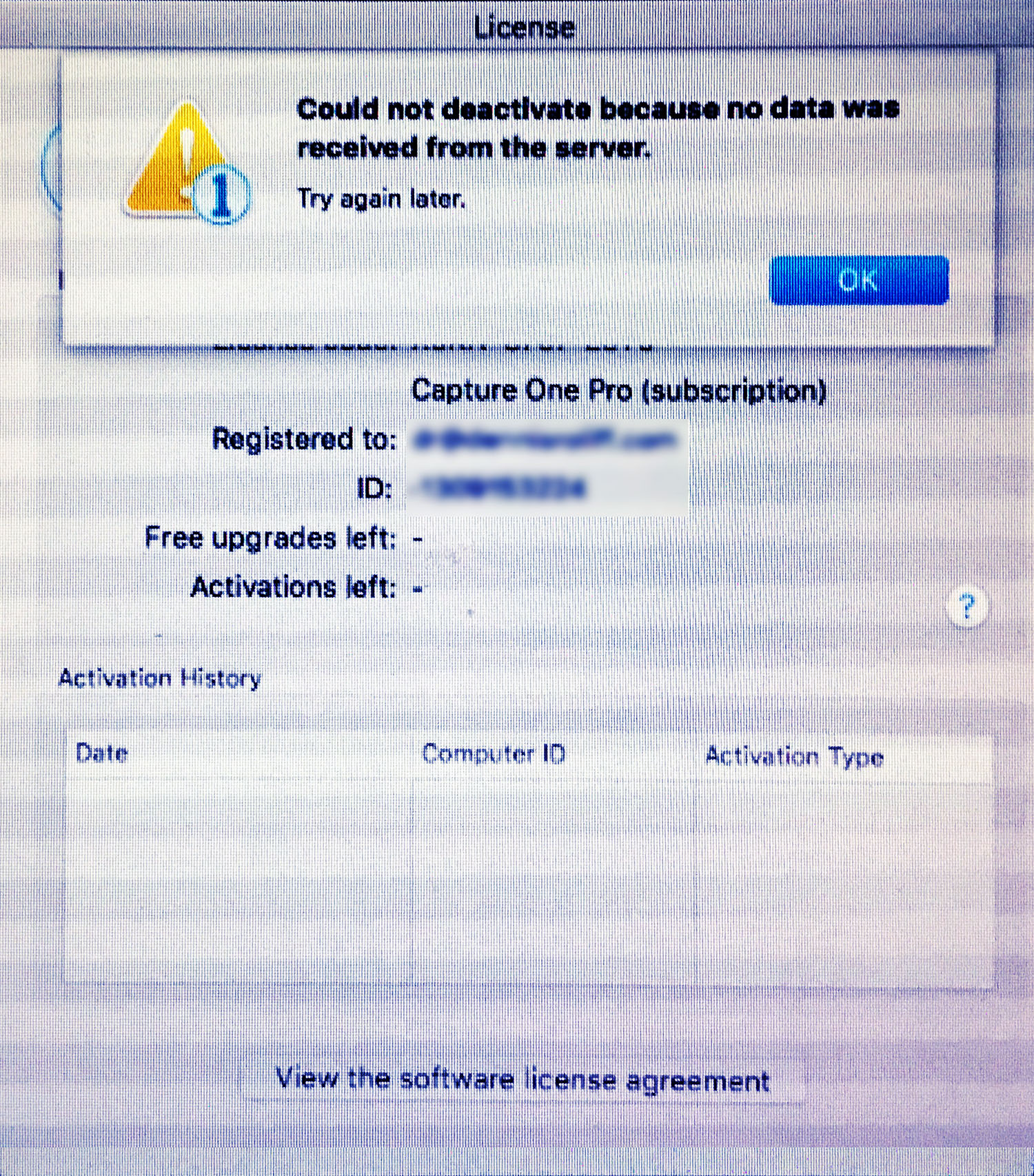
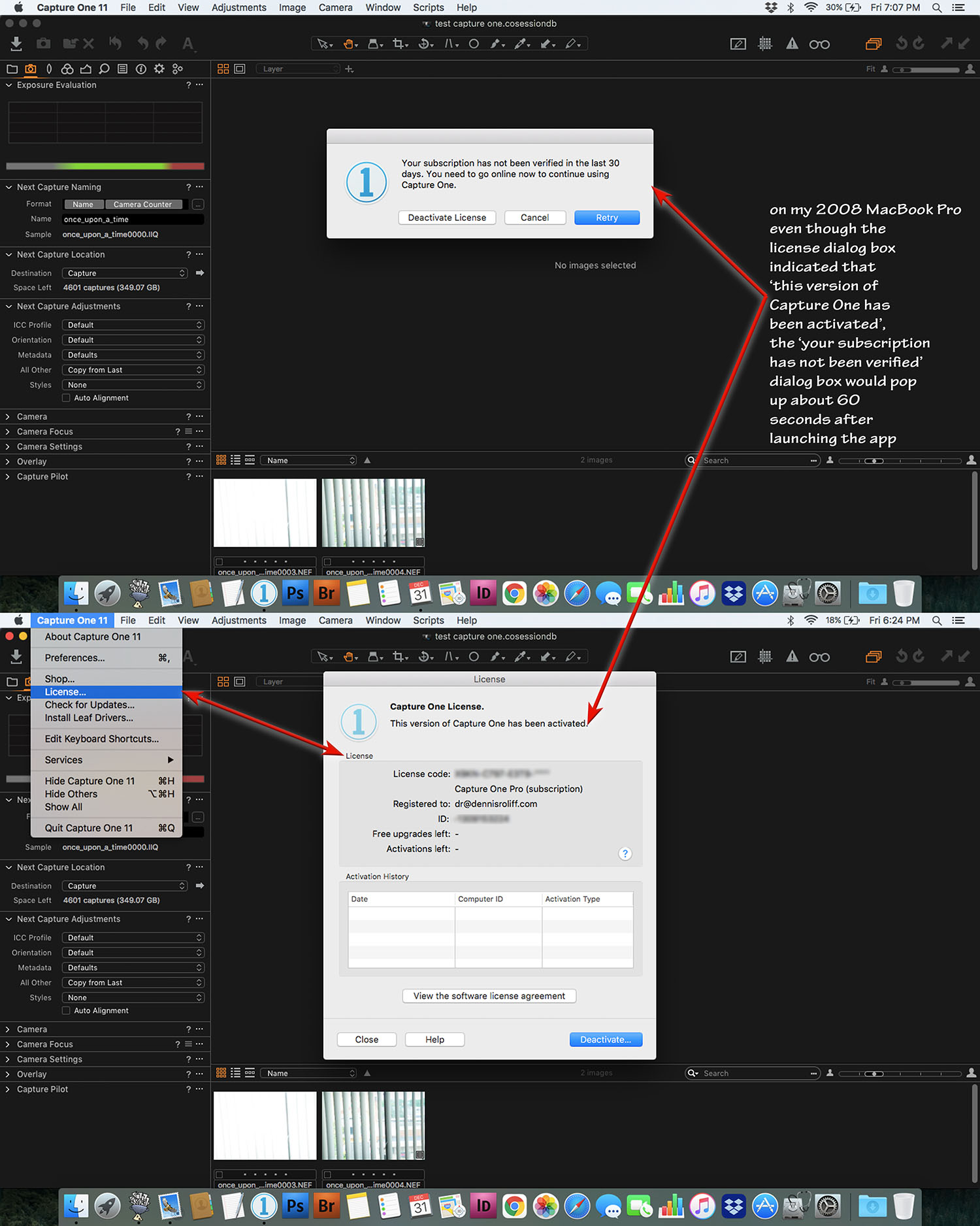
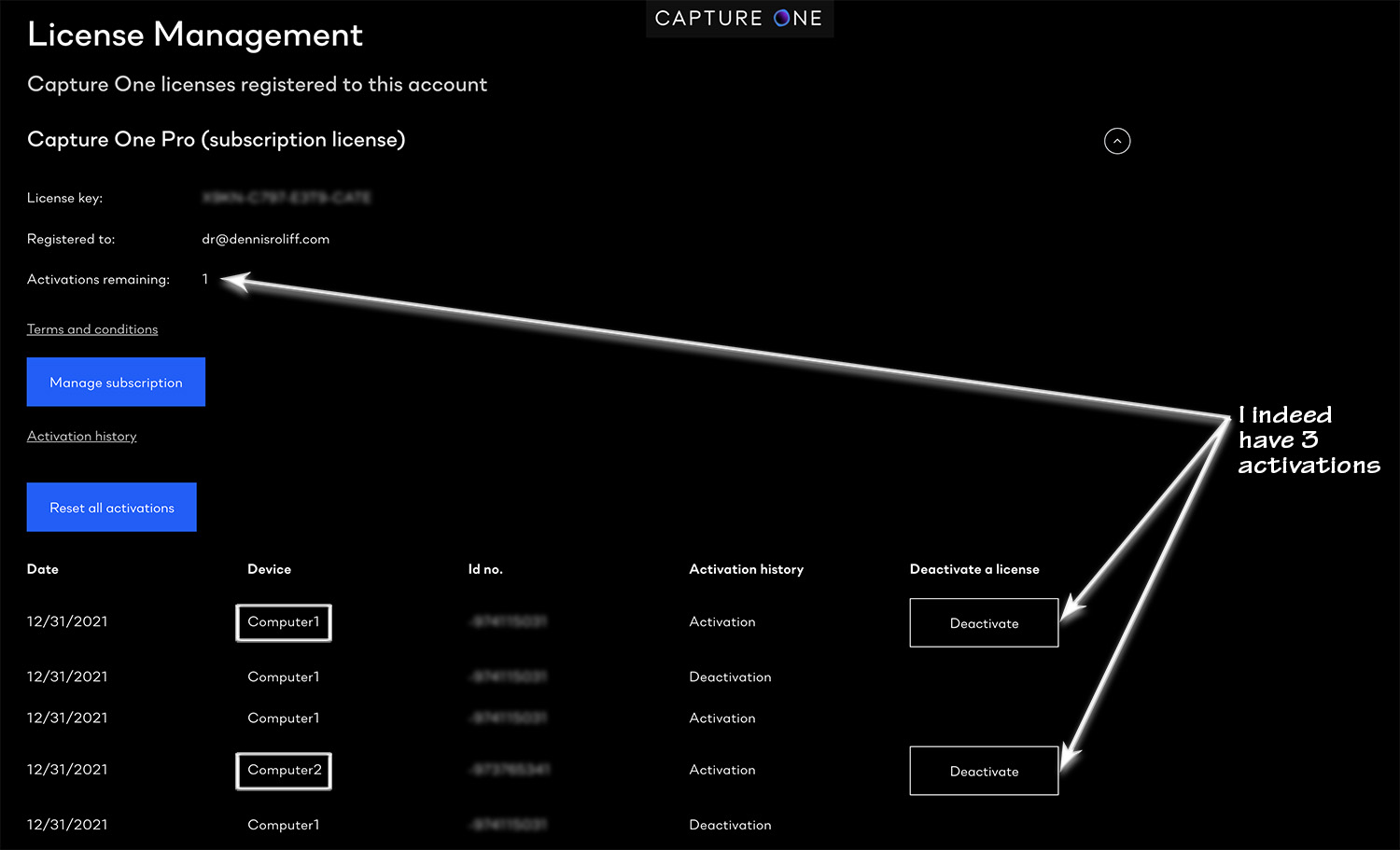
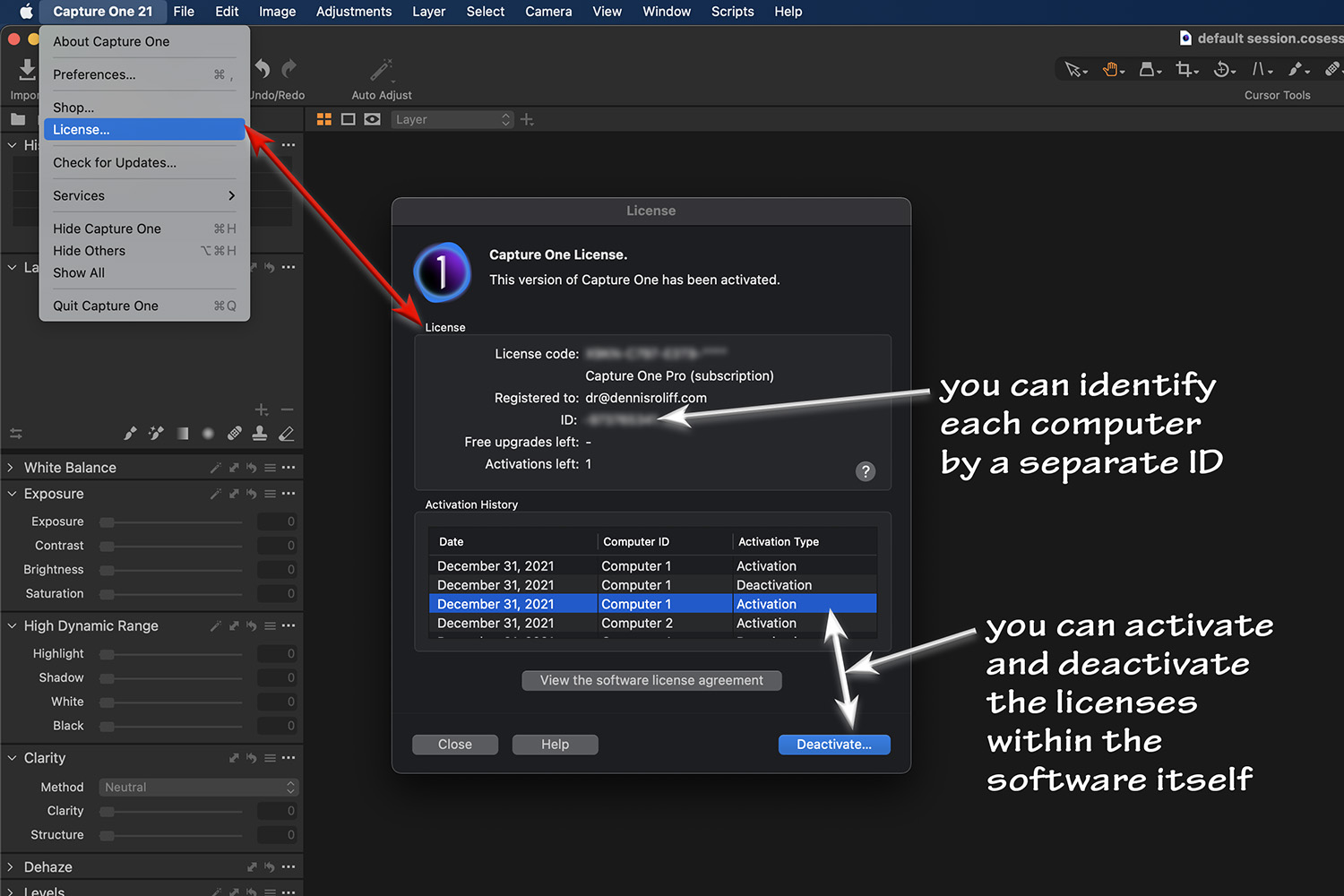
After putzing around a bit I was able to figure things out. And, I do indeed have three activations. As you can see by the jpegs attached, the Capture One 11 that I had installed on my 2008 MacBook Pro was indicating
that 'this version of Capture One has been activated'. However, about 60 seconds after launching the application a popup message stating 'Your subscription has not been verified in the last 30 days etc.' and the
application would shut down. So I am now confident that when I set up the 2015 MacBook Pro (Retina, 15-inch) laptop, that I will be able to download and activate the latest version of Capture One as I will be running macOS Monterey on that machine.
Very educational bit of business here and worth the effort.
Thanks again.
Dennis
 0
0

Post is closed for comments.
Comments
2 comments