Help Please - Corrupt Files

C1 Community,
This is probably not news to anyone but C1 support is horrendous. I opened a ticket 3 months ago for the identical issue on my Mac but it seems to be happening on my Win10 machine as well. I get warning triangles next to my session folders and on the Mac, the images come back as corrupt or missing but they are either. I have run the "verify catalog or session" check and the DB is fine. The image below is just a base template I use, thank goodness there aren't any pics as my Mac & Win10 machine would be rendered useless. I appreciate any insight anyone has, as you can imagine this is very disruptive and I am not a professional photographer,,,but 3 months is too much for any valued customer...
Thank you,
Tom
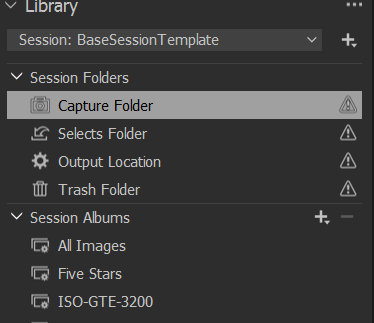
-
Not overly detailed, you mention corrupt images but what do you mean. ALso, what did you do with this session, did you eventually "set a capture" folder etc. etc.
Anyway, what you see is the offline symbol, and you might find this article interesting
https://support.captureone.com/hc/en-us/articles/360002400597-Offline-images-explained.
Also note that you can throw away the the session (the cosessiondb file) and don't loose any image adjustments because these are stored in the CaptureOne/Settingsxxx folder (.cos files and .comask files) which is parallel to your image file folder. Just create a new session and copy your images and the sidecar folders into the new Capture folder.
I also doubt that C1 corrupted your image files as C1 never updates original image files. Never.
0 -
Thanks BeO, I will review the link. Not sure why those folders would be 'offline' though I am reading them from a NAS, shouldn't make a difference but I guess you never know. I agree, the original RAW files I am sure are not corrupt, on the Mac, not on it right now or I would show you a screen shot, I import my RAW images to session favorites. Those session favorites (folders) would get renamed and the images I had in them would display as missing or corrupt. The folder would go from 'basketball' to 'capture\basketball'. I try to rename it back to no avail. I have never had this issue before the 14.1.1 upgrade I believe. If I get a chance later, I will upload a screen shot but let me review what you sent. I appreciate the feed back.
0 -
Hi BeO, if you are still have a minute. Have a look at the imbedded images. They are screen shots of what I see on my Mac. Ironically, if I go back to the Windows machine, the session favorite is named correctly, without the "capture/" but it still has the triangle with ! inside and no images display.
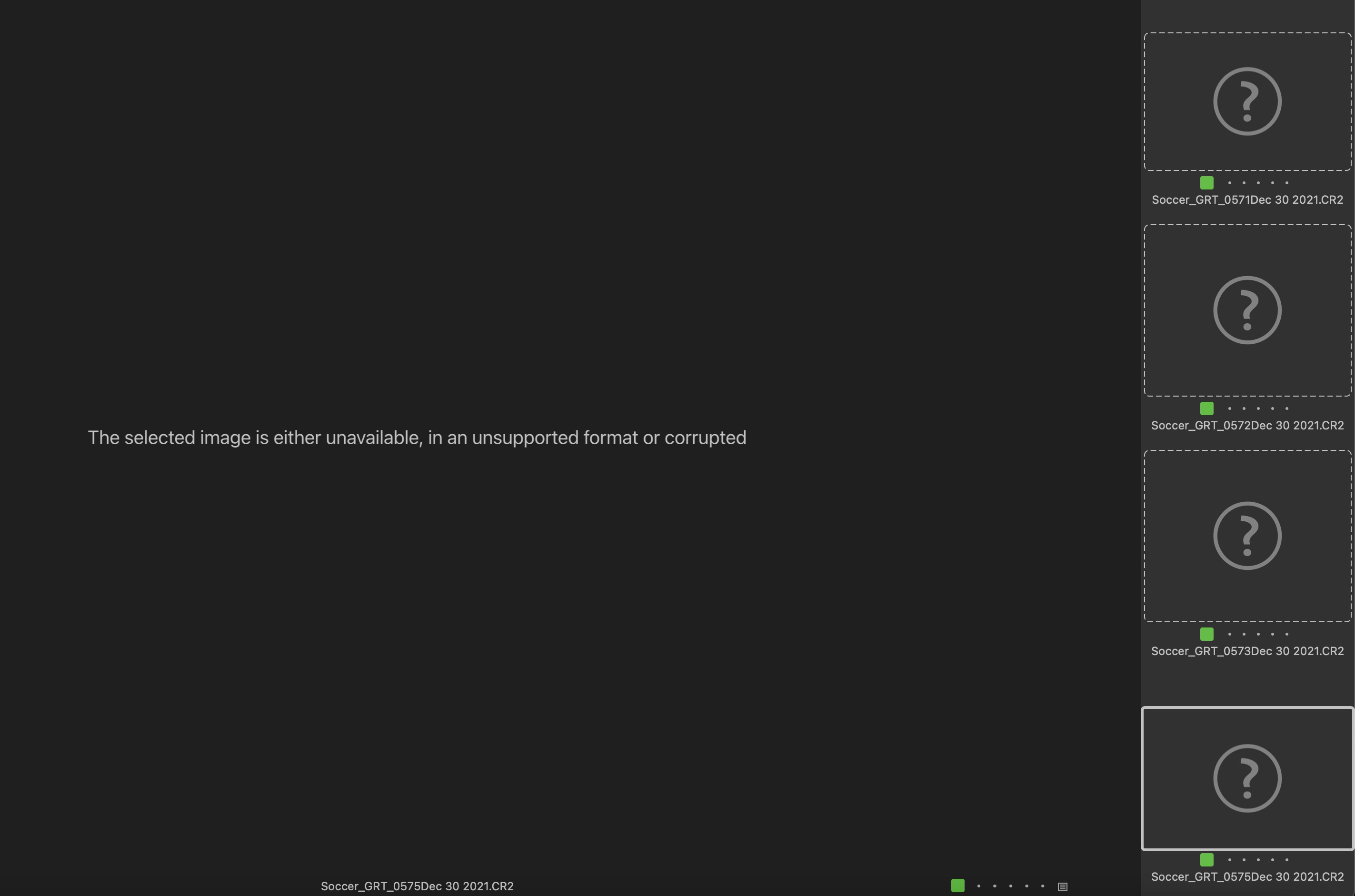
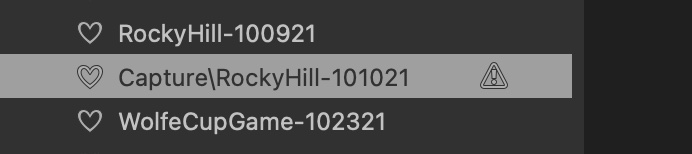
This only seems to happen once I move my workflow from my Win10 to the Mac. I may have to try deleting the session DB and moving them but the real issue is, this will happen again. Can't get Capture One to look at my ticket. Thanks,
0 -
Those session favorites (folders) would get renamed and the images I had in them would display as missing or corrupt
You know that you should do the renaming in C1 and not in Explorer or Finder? So that C1 knows in which folder to look at?Renaming files or folders, moving them etc....
Reverting/ renaming them to their original folder name in Explorer / Finder should have worked though, which you did, but without success, strange. Sure you did not mix something up while migrating from Win to Mac and including the NAS?
The forum here is not for tickets, C1 will not answer you here, you would need to submit a request:
https://support.captureone.com/hc/en-us/requests/new
and sometimes they are responsive, sometimes not so much. In any case a clear step by step description about what you did and what you observe when would be needed, I assume.
0 -
Thanks BeO. I do have tickets open and was just trying another avenue here to see if I could garner any additional information to help resolve since C1 is not getting back to me...3 months ago. I appreciate the help, I will continue to troubleshoot and research...Thank you,
0 -

My guess would be that there is some confusion in the use of / and \ between Windows and Mac and something about the path to the original files in a subfolder of the Capture folder is not being well understood by one OS or the other.
0 -
yes yes yes yes, I agree and had the same thought as on Win10 I have a mapped P drive that references the session folder and on the Mac, it is more likely a mount point. This is where I was hoping C1 support would get involved but hope is dwindling...it wasn't always like this, only after the 14.1.1 upgrade I believe. Something changed...maybe it is fixed in 15 but don't want to spend the $300 to find out it isn't...Thank you,,,
0

Post is closed for comments.
Comments
7 comments