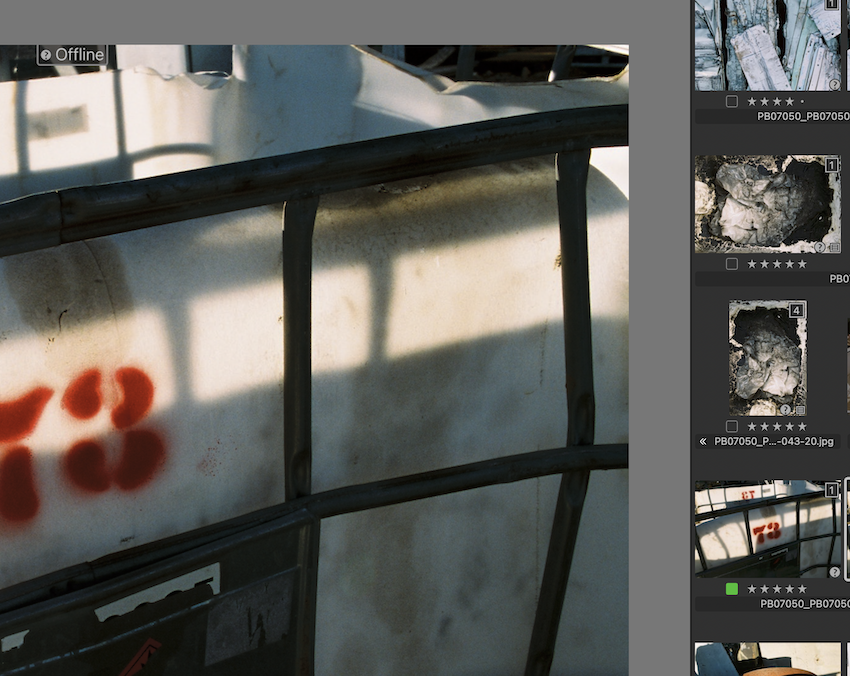
question mark on image

I have many catalogs/images that I cannot work on. I'm presuming it is because of the question mark. Hopefully you can help me with this. in the screen grab below I can only fully access those with the green dots - Cheers, Peter
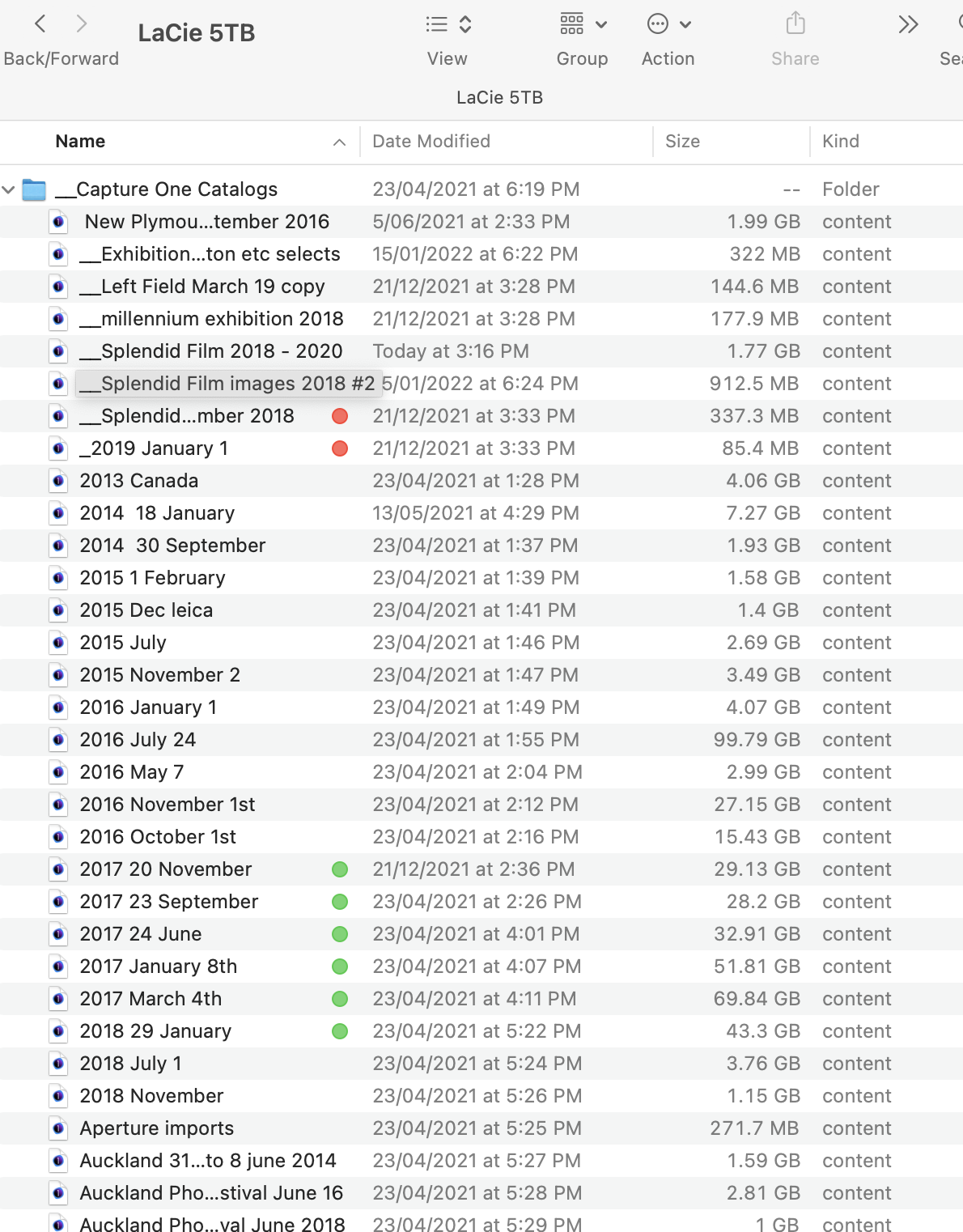
-

> peter burge: presuming it is because of the question mark
No, the question mark is not causing this. The question mark is Capture One's way of telling you that you have cut off the software's access to the image file. Some operations require access to the image file.
https://support.captureone.com/hc/en-us/articles/360002400597-Offline-images-explained
0 -
Thank you. I have viewed this article a number of times but can't seem to find the solution. I'm obviously missing something so let me have another more thorough look. Peter
0 -
Either
- the drive with the folder of catalogs on is not connected to the computer, or
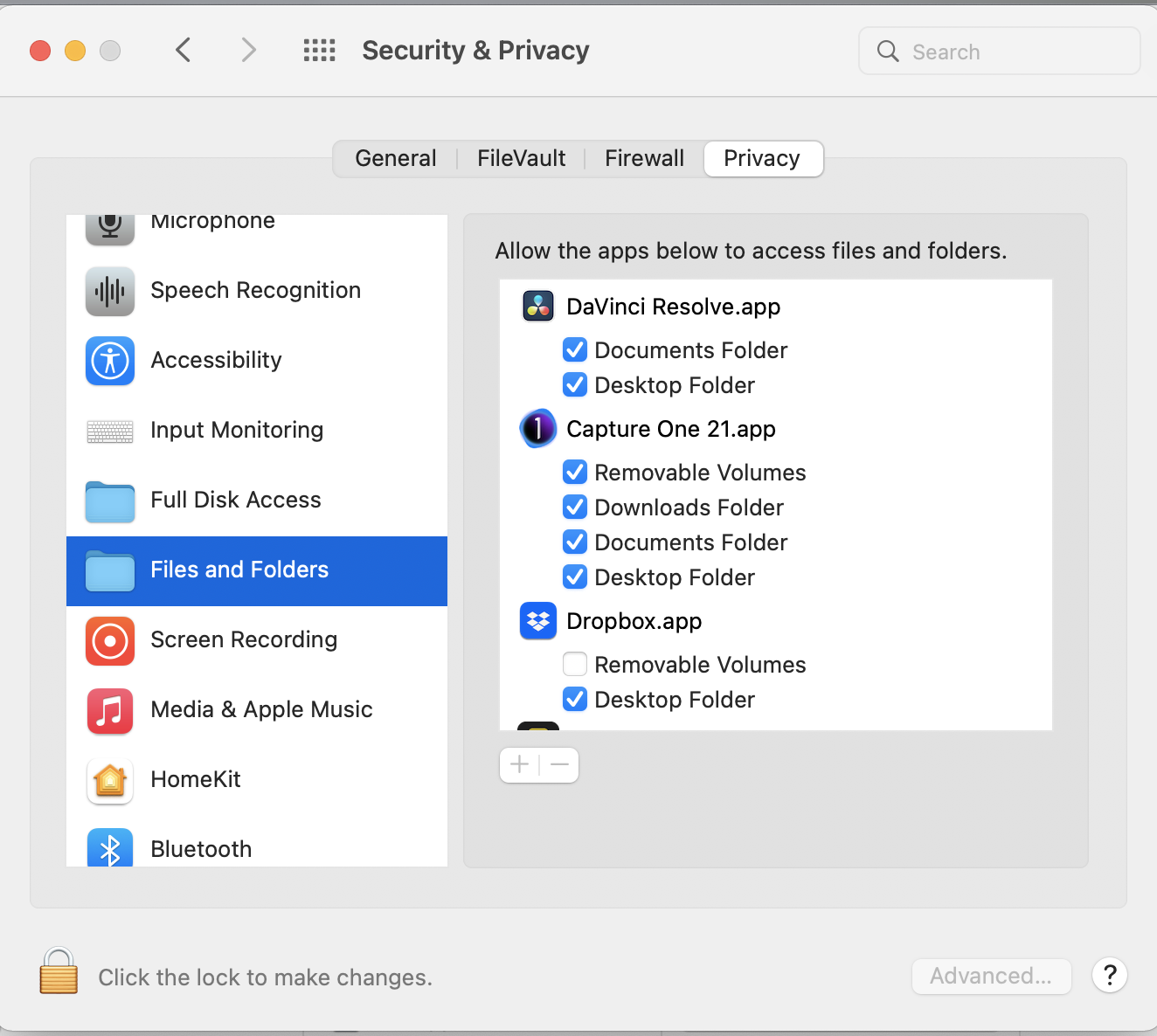
- if it is connected, Capture One doesn't have the necessary permissions to access it.
Have you ensured that the drive is connected - can you for instance (outside of Capture One) read files on it, or move files to or from it? And if it is connected, have you looked at its permissions in Finder, and in the Security and Privacy section of System Preferences? (See below.)
 0
0

Post is closed for comments.
Comments
3 comments