Export Preview not showing cropped image

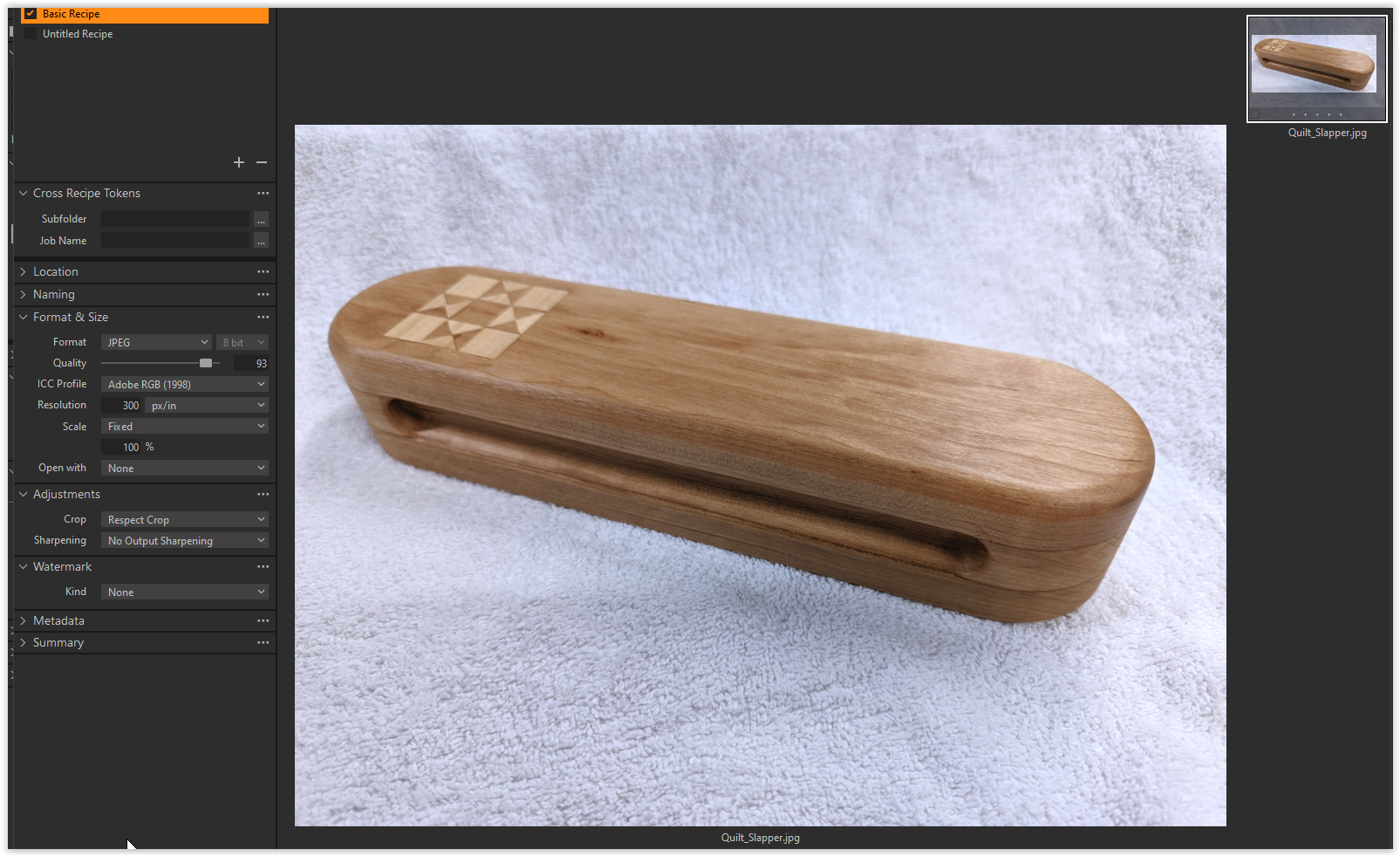
I just installed C1 v22. When I export a cropped JPEG image the Export Preview image does not reflect the crop I have applied. The exported image is cropped, just the preview is off. I do have Respect Crop selected. This is bit confusing. Am I doing something wrong?
Best regards, PCH
-

Hi Peter,
Try to disable hardware acceleration for Display in Preferences.
What does Hardware Acceleration do and how do I use it in Capture One?
Troubleshooting Hardware Acceleration in case of viewing / processing / exporting problems0 -
Thanks for your response. I'm sorry I'm so late in my reply. I am experiencing a lot of problems with the forum, but that's a different issue.
I set the hardware acceleration for Display to NEVER. It had no effect (I exited and restarted C1). Do you have any other suggestion?
Best regards, PCH
0 -
Why am I seeing a crop overlay on the thumbnail? If you applied a crop to the raw file, and then exported to a JPG, I would expect to see no crop overlay.
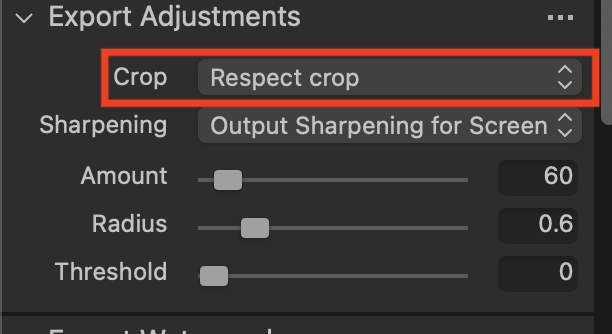
In the Export recipe, what does it say under Export Adjustments as regards the crop?
Ian
0 -
This image started out as a JPEG. I made some adjustments and cropped it. In the Export Adjustments I have Respect Crop selected. As you can see, the Thumbnail shows the cropped image, but the Preview (larger image) does not (original image?). This does not seem right. What adjustments are reflected in the preview? If I had several similar images or variants, it would be very hard to figure out which was going to be exported based on the preview image.
Best regards, PCH
0 -
That worked like a charm - thanks for your help.
Best regards, PCH
0

Post is closed for comments.
Comments
5 comments