Had problem on the license and can't get the support after one week

I ordered the update from CO20 to CO21 and paid from paypal one week ago but didn't receive my license code.
I sent a inquiry to your CS but just haven't received any reply yet after one week.
Is this the manner you treat your client??
-
I just tried to upgrade my License. Unfortunately it de-licensed my old license - and when I tried to activate my new license it says:Could not activate because the upgrade limit is exceeded.0
-
You may need to deactivate old licenses. It is NOT automatic. The old license doesn't work, but is still "active".
Log in to CaptureOne.com. Click on the tiny head and shoulders icon in the upper right corner of the web page. Click on "manage licenses".
Capture One really needs to put together a short video showing people how to do this from both the web and from the app. Given the number of posts about it it seems obvious that far too many can't figure it out without help.
0 -
Thanks for the reply.
But I'm not using the subscription plan.I bought the full license.
Here are the screenshots show that I didn't receive anything from the CO
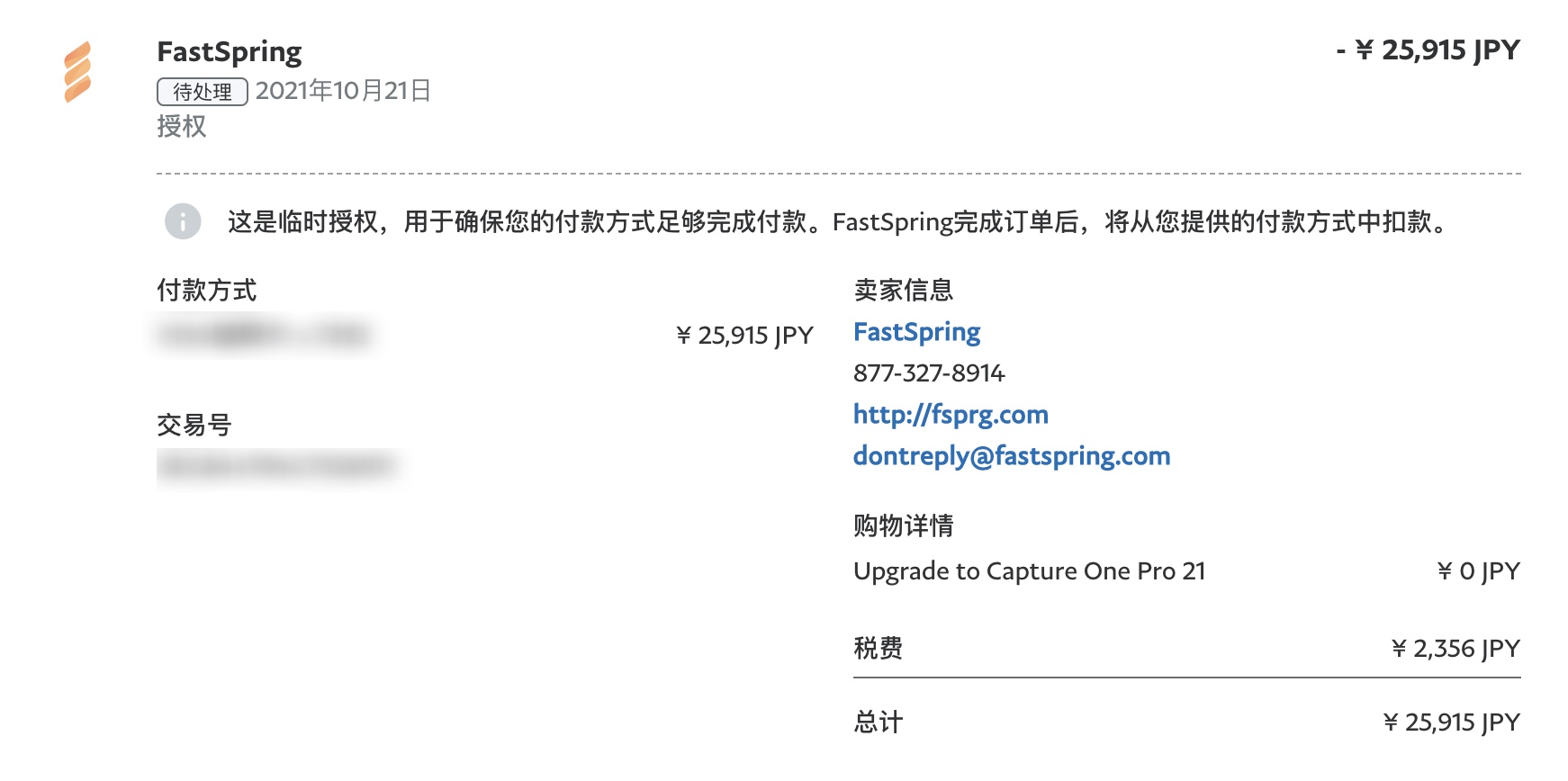
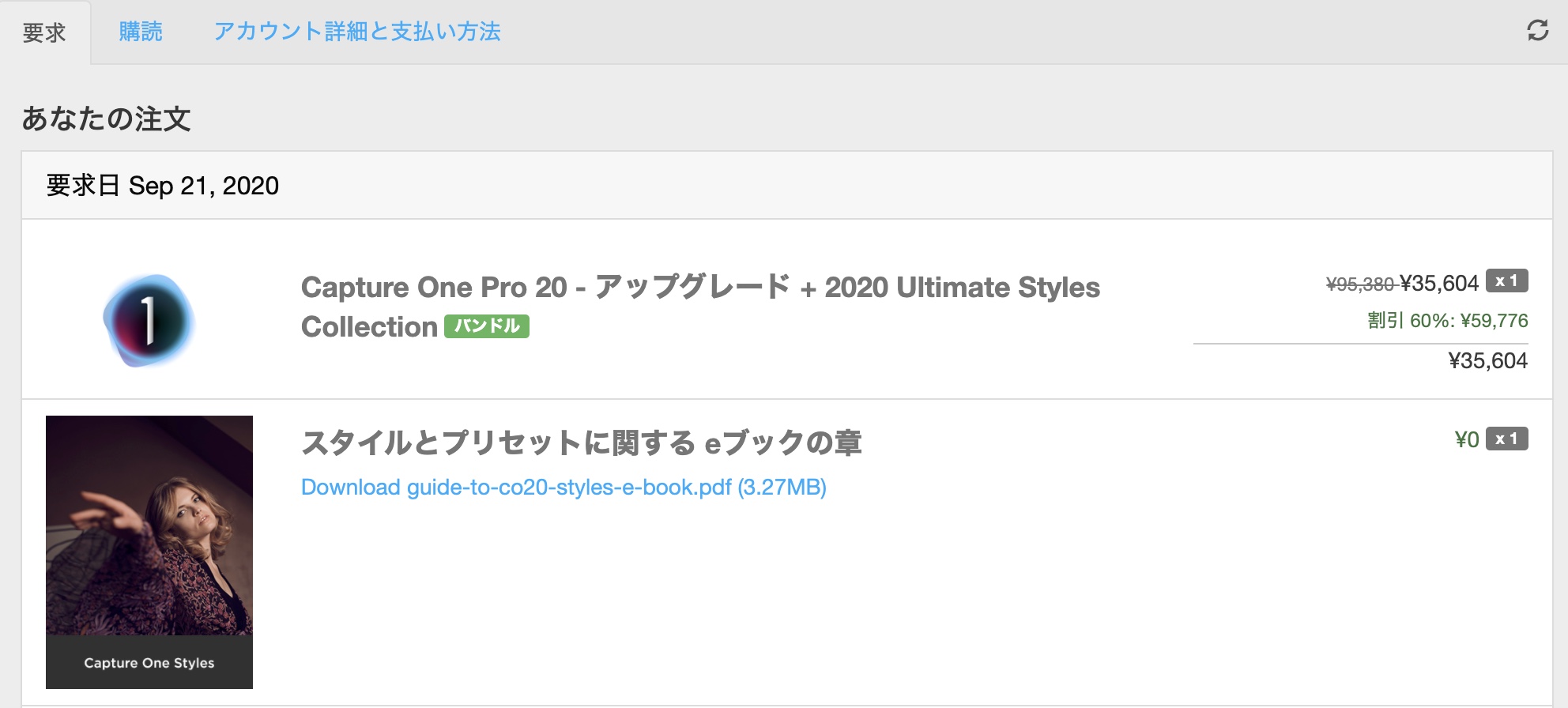 0
0 -
Is this the manner you treat your client??
This is a user-to-user forum. We are not Capture One. We are fellow users of Capture One software. Posting on the forum is not the same as contacting Capture One.
Use this link ==> Submit a request which is on the upper right of forum pages to contact the people at Capture One.
0 -
Thank you.
But like I said in my first post I've sent them a request but did not get the support after one week.
I posted it here just expecting someone from Capture One could realize it.
I feel sorry if this is making you uncomfortable.
1 -
Gao Zhihui,
even the full (perpetual) license can be managed at the place which Marco mentioned. Did you try this?
Log in to CaptureOne.com. Click on the tiny head and shoulders icon in the upper right corner of the web page. Click on "manage licenses"
0 -
Hi BeO
Like the screenshot I posted above the newest licenses in my account is the CO20 which I bought it in 2020.
Besides the trade record in my paypal account NOTHING else I could find. (No confirmation email also
0 -
You can see answers from the support team on your activities page.
Click on the drop-down icon at your username in the top right corner of the forum page and choose "my activities". There you can see your support tickets and the answers from the C1 team.
1 -
Hi Mario
I'll attach the screenshot and as you can see there is no reply from Capture One.
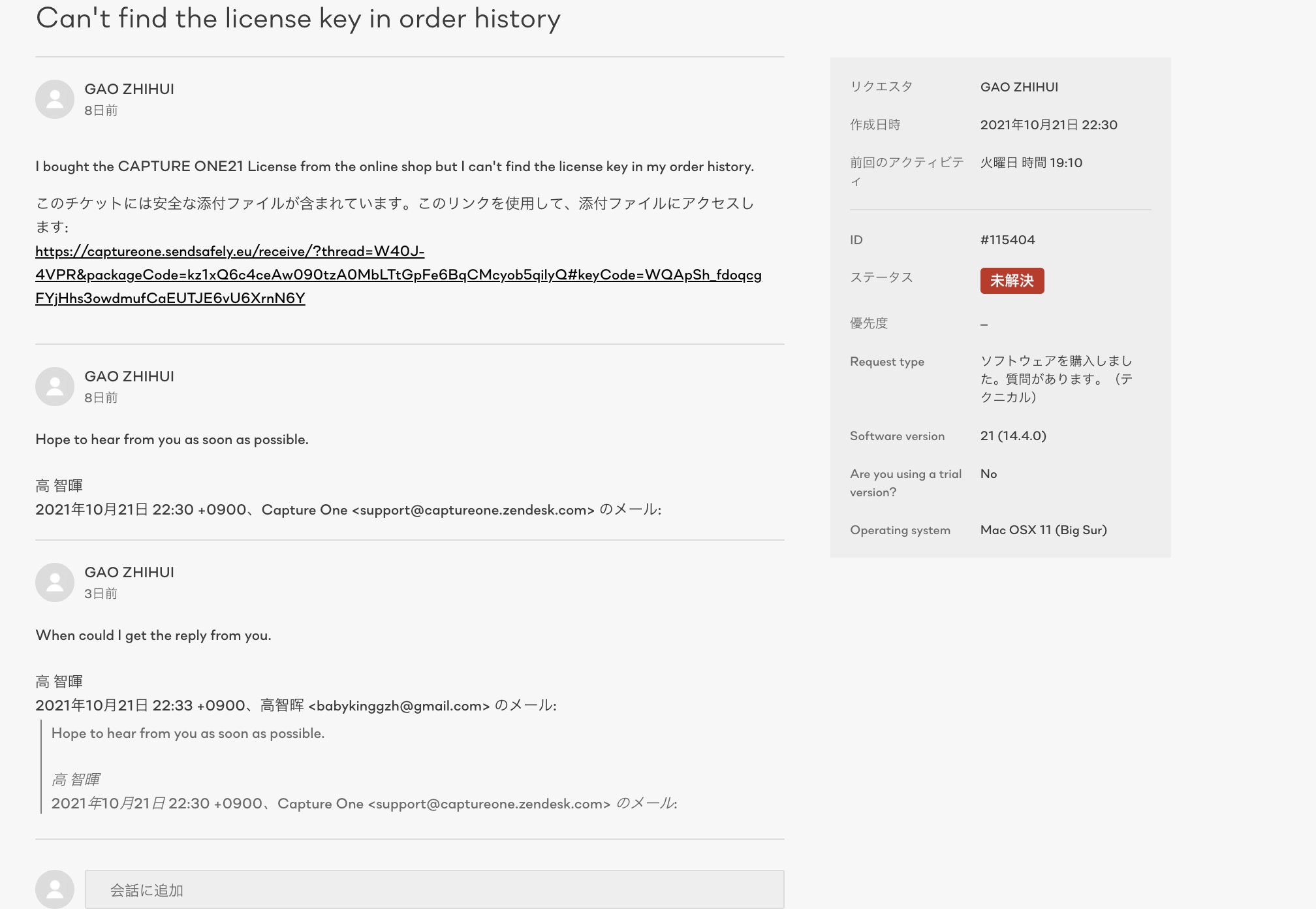 0
0 -

I don’t think anyone is reading the support tickets.
Last week I had a licensing issue that stopped my C1 from running. I immediately opened ticket. I solved it a few hours later, and replied to the ticket saying it can be closed now.
The ticket is still open.
0 -

@GAO ZHIHUI
Have you also tried to contact FastSpring.
I suspect that the entire process is directly under their control.
1 -
I didn't get a response from support also after several days, couldn't work and had to use Lightroom instead. Found this article today, this your problem?
https://www.fujirumors.com/answering-top-5-questions-issues-about-upgrading-to-capture-one-22/"After purchasing the pre-upgrade offer for Capture One 22, the customer’s previous license key will be deactivated, and they will receive a new license key. The next time the Capture One software is opened, the customer will need to enter their new license key in order to continue having access to their current version of Capture One. When Capture One 22 is released in December 2021, the customer will need to download the new version and enter the same key they received when purchasing the pre-upgrade offer."
0 -
Permanently deleted user
I feel sorry if this is making you uncomfortable.
It doesn't bother us - it's YOUR time you're wasting.
0 -
Permanently deleted user
Given the number of posts about it it seems obvious that far too many can't figure it out without help.
Don't agree, Marco - it's straightforward enough IF YOU READ THE GUIDANCE.
Sadly, RFTM seems to be something of a rarity these days - everything is somebody else's fault.
0 -
Permanently deleted user
Could not activate because the upgrade limit is exceeded.
0 -
Permanently deleted user
Have you also tried to contact FastSpring.
I suspect that the entire process is directly under their control.
https://support.captureone.com/hc/en-us/articles/360008045417-FastSpring-subscriptions-FAQ
0 -
What is clear, is that many people are struggling and the lack of response when you contact Capture One makes it unnecessarily difficult for the customer.
0 -
Gao Zhihui,
If you go to your account, then "Manage licenses", you only see C1 v20 but not v21? Similar to this below?
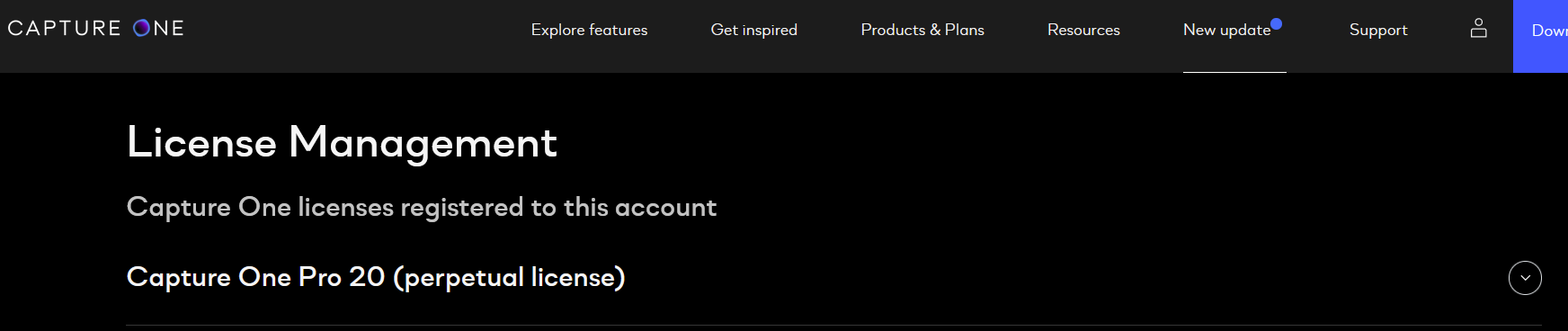 0
0 -
Hi SFA
Thanks for the advice.
I'll try to contact FastSpring.
0 -
Hi BeO
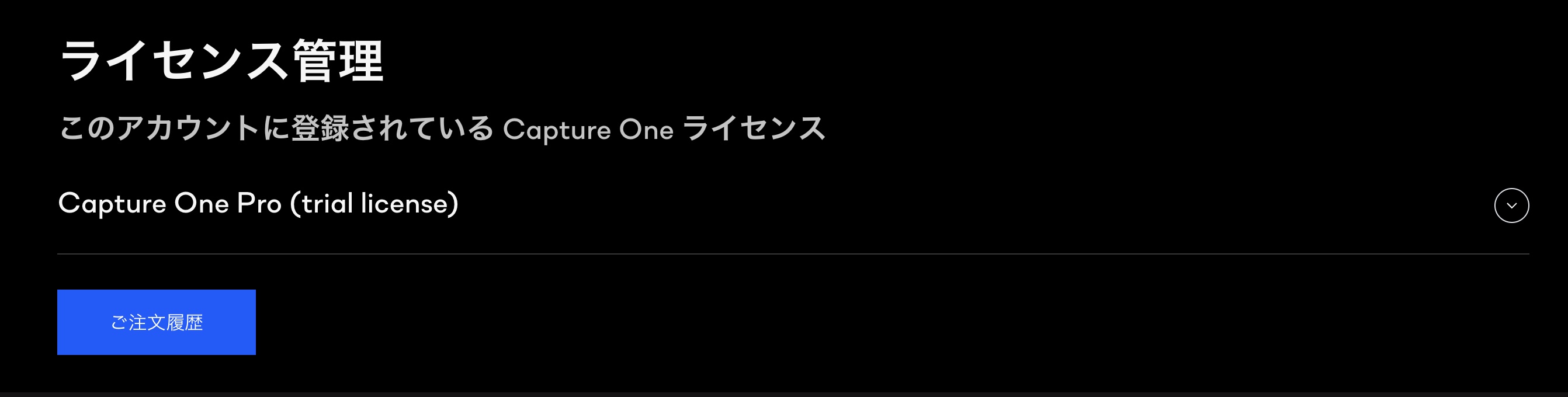
I can't even find my C1 V20 license in my "Manage licenses" page.
There is only the trial I applied for the unexpected circumstances
 0
0

投稿コメントは受け付けていません。
コメント
20件のコメント